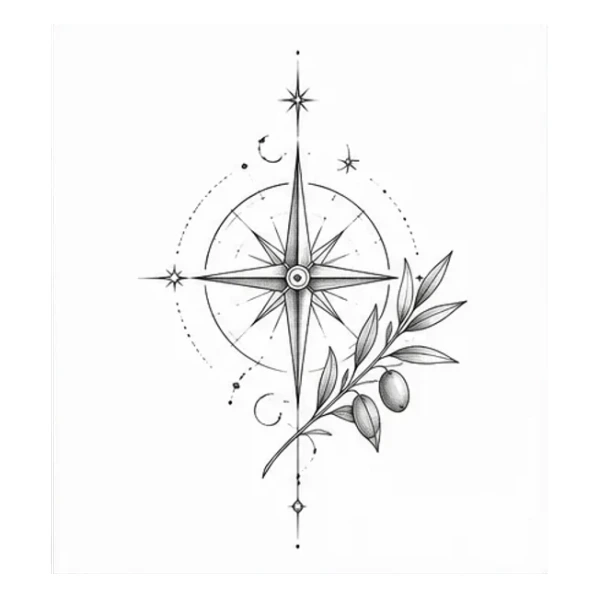

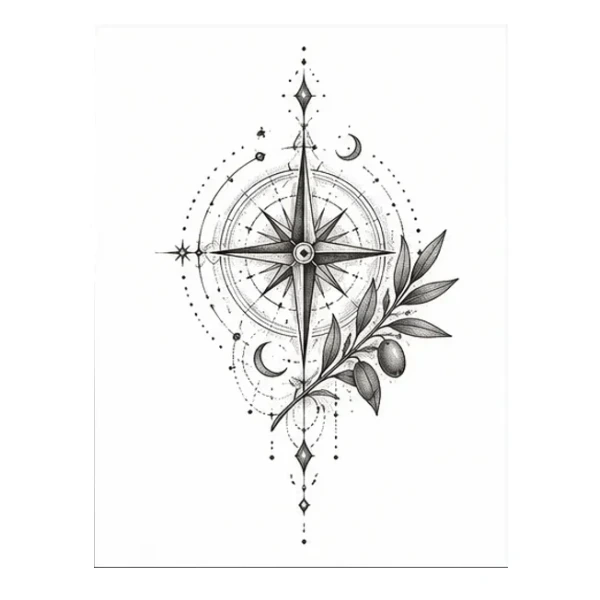
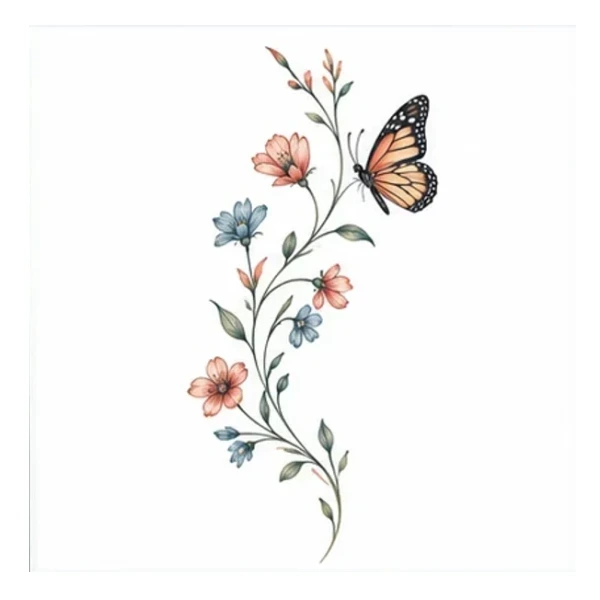
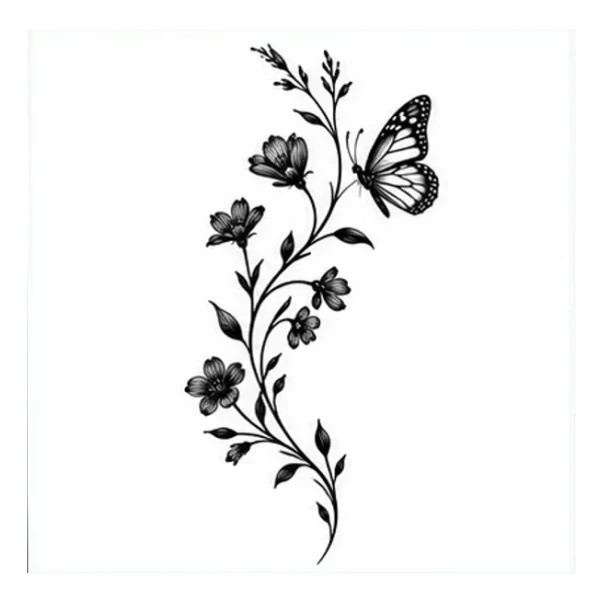
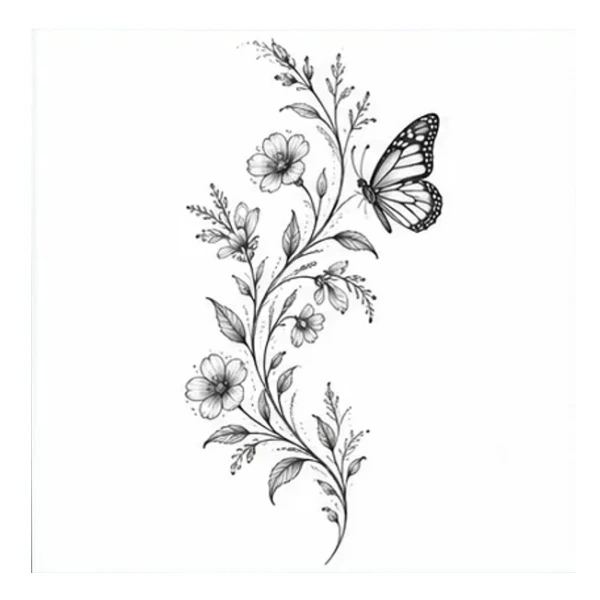

Olive Sprig
An airy botanical sprig with a gentle curve.
Fine lineWrist
Describe what you have in mind. Turn it into a tattoo concept you can make your own.
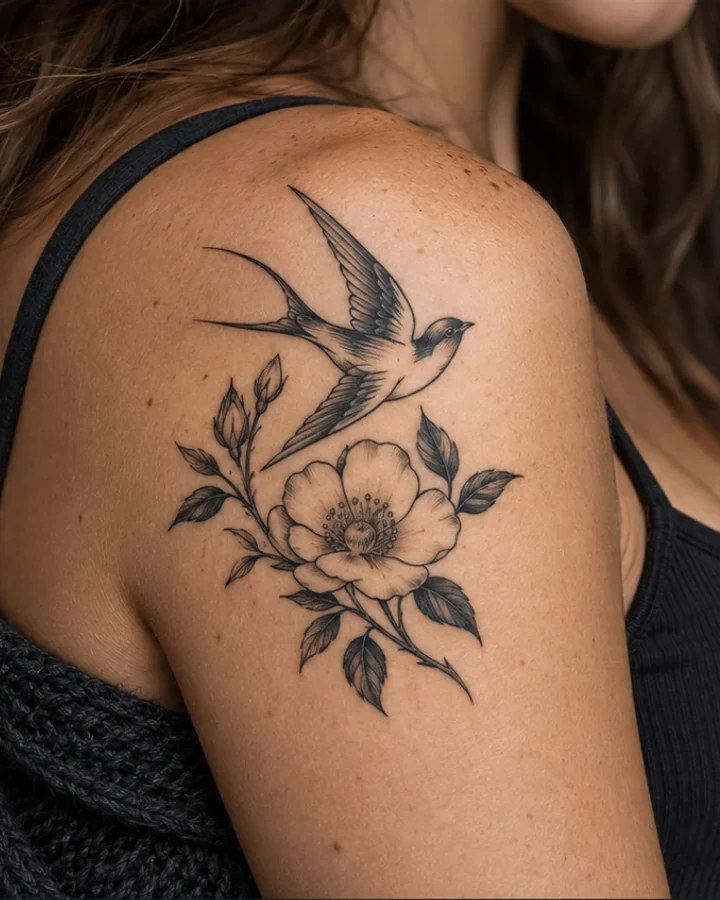
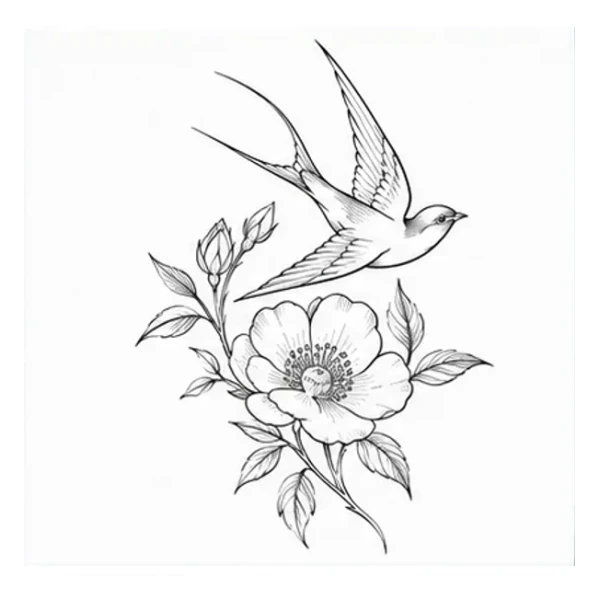
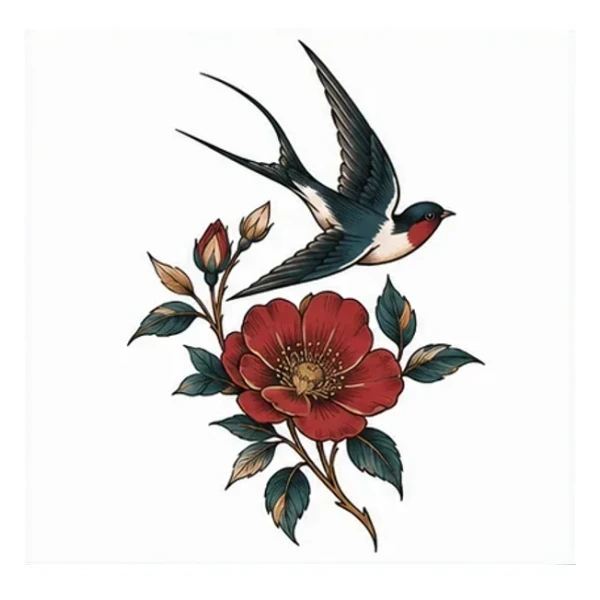
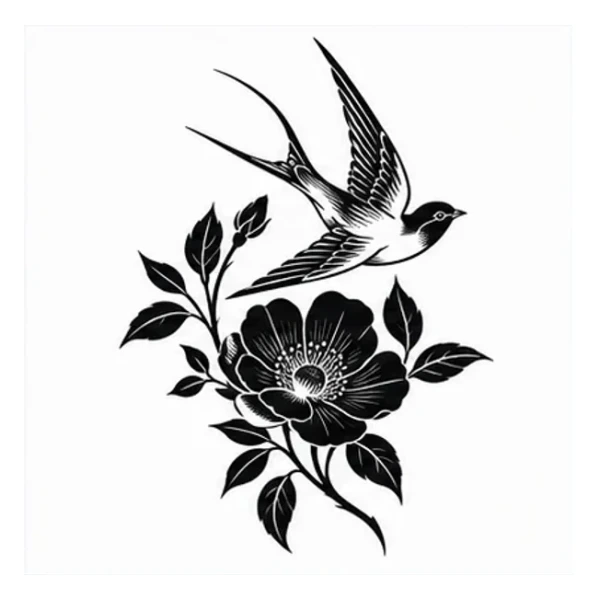
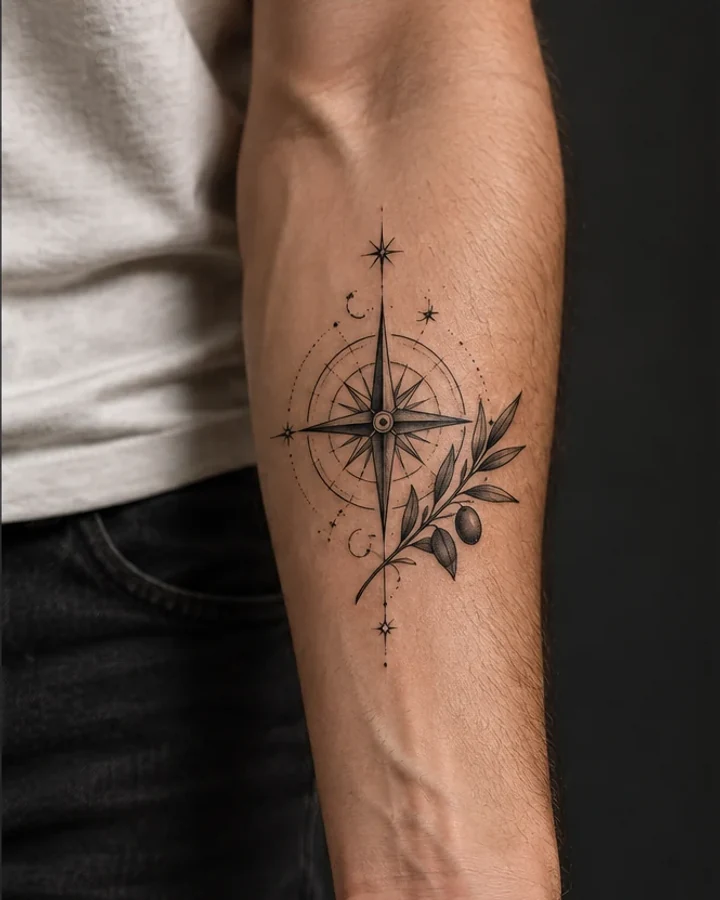
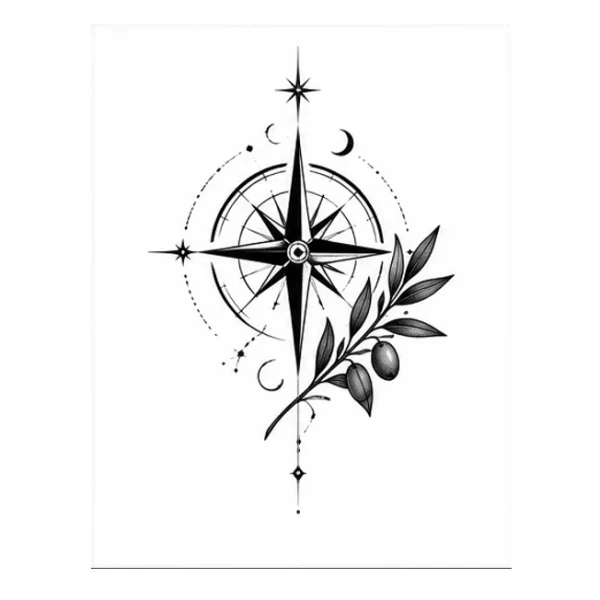
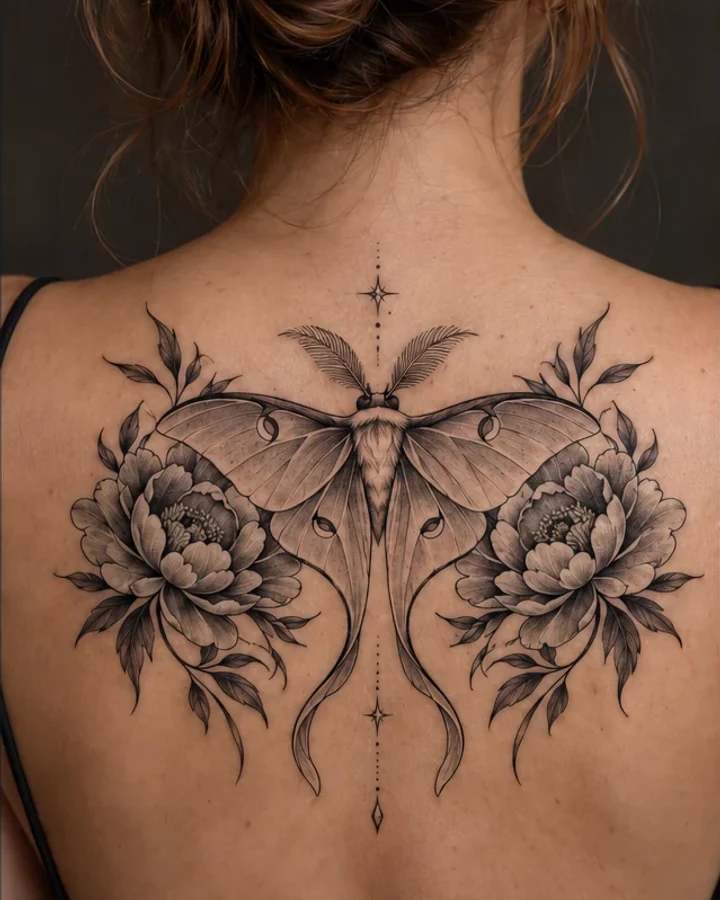
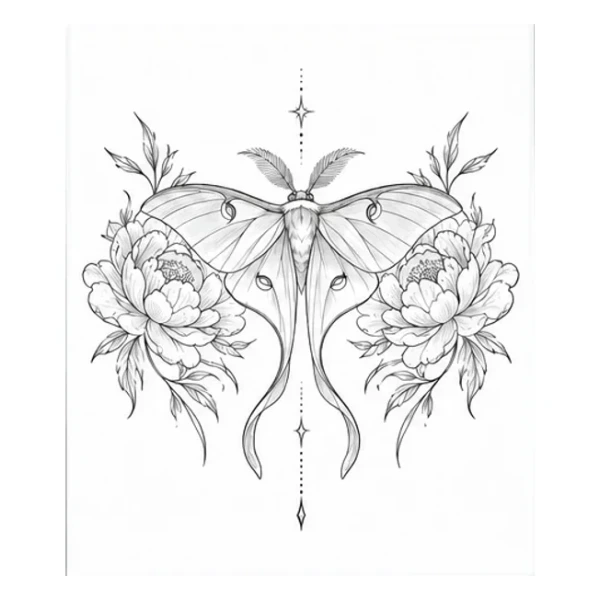
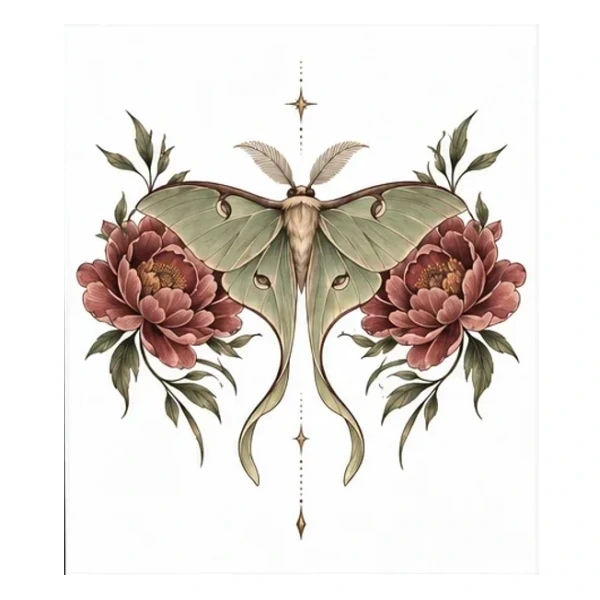
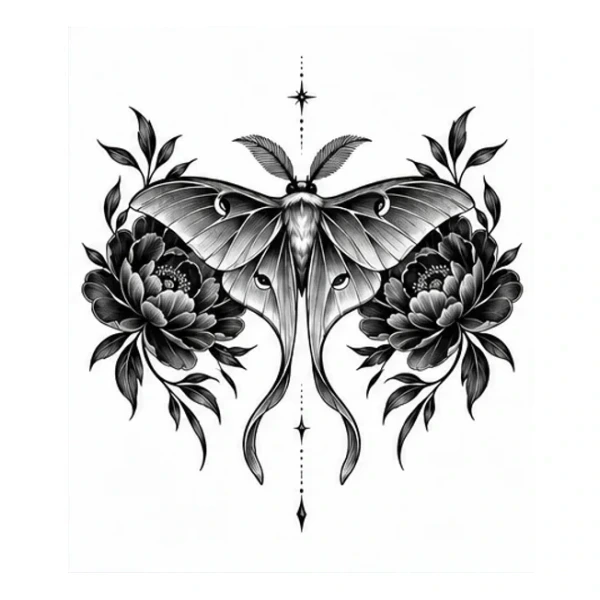
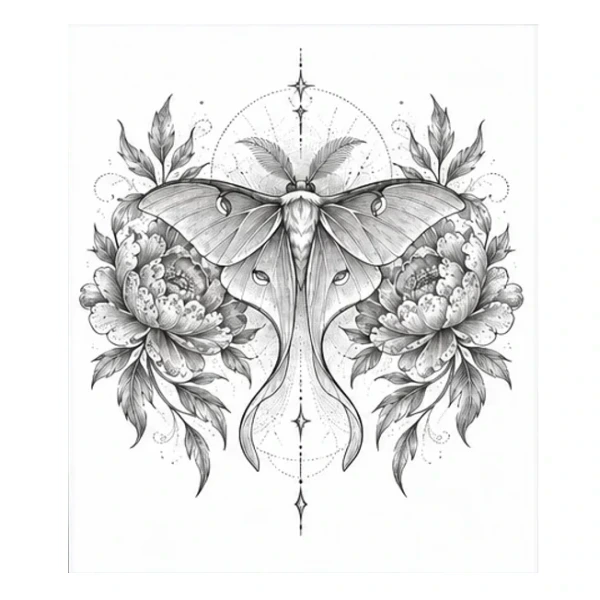
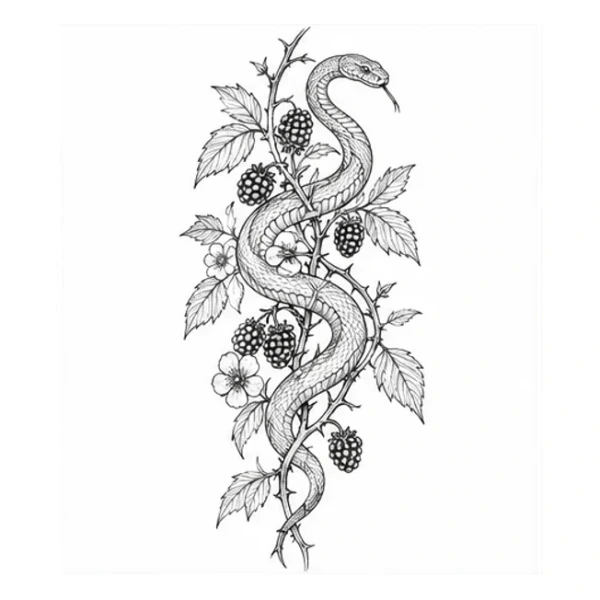
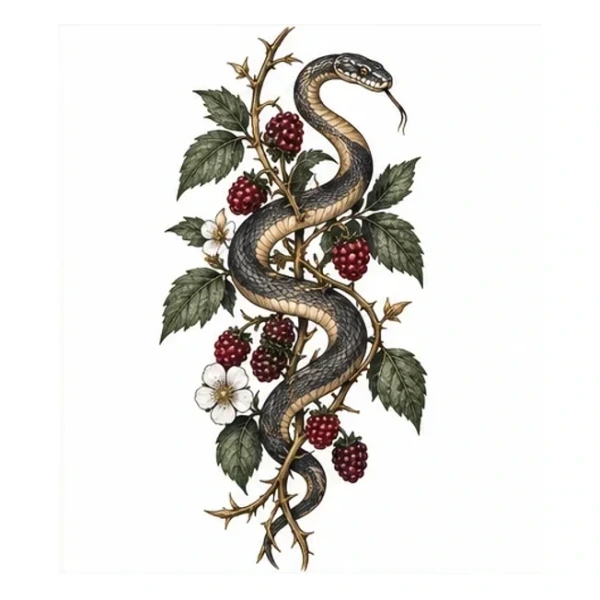
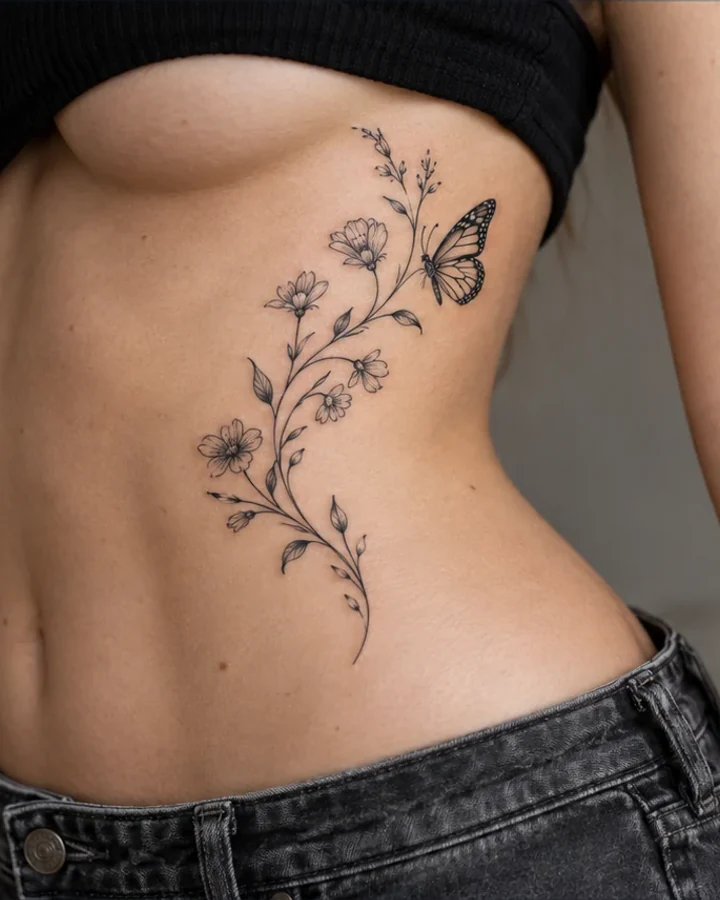
See how the same motif can take on different visual languages.
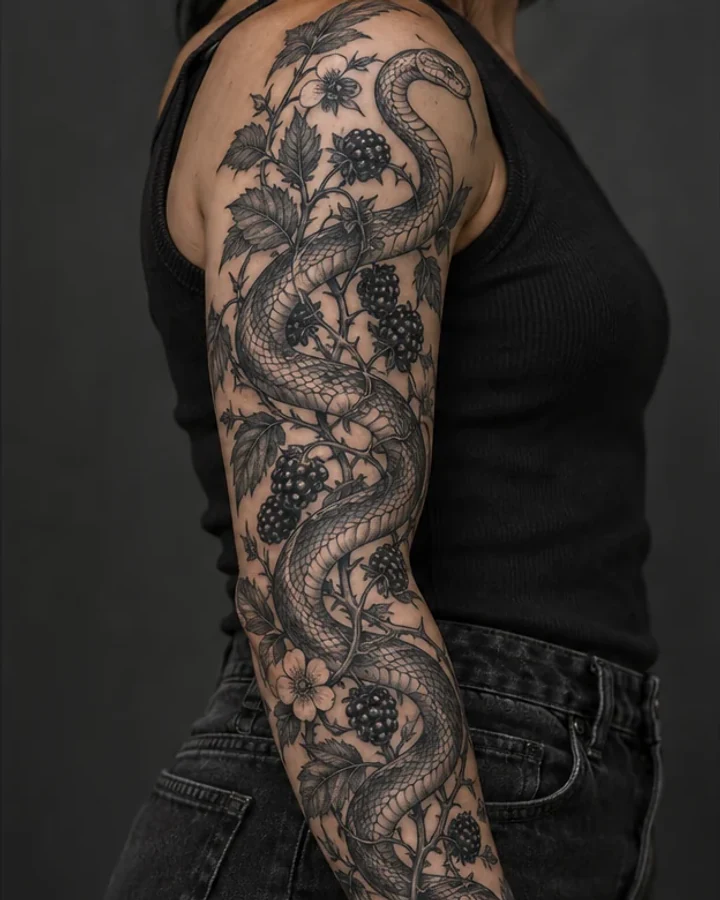
Start with a major body area. Model Preview opens with that placement ready.
Curated starting points, ready for your details.
An airy botanical sprig with a gentle curve.
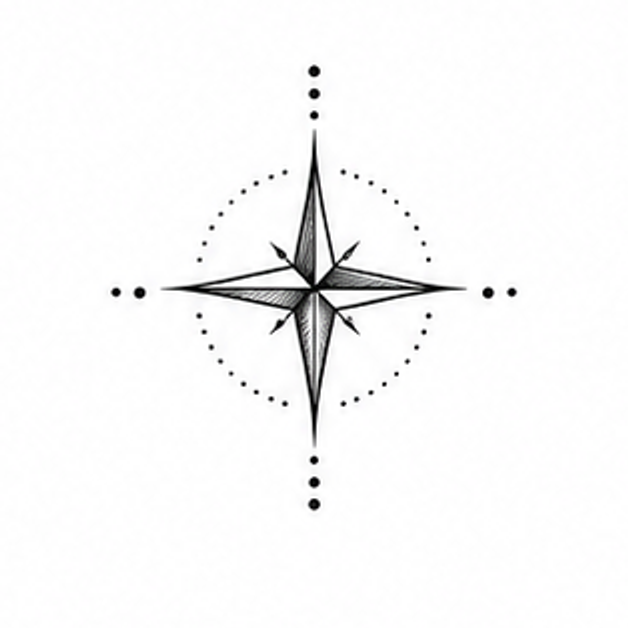
A clear geometric focal point with an open silhouette.
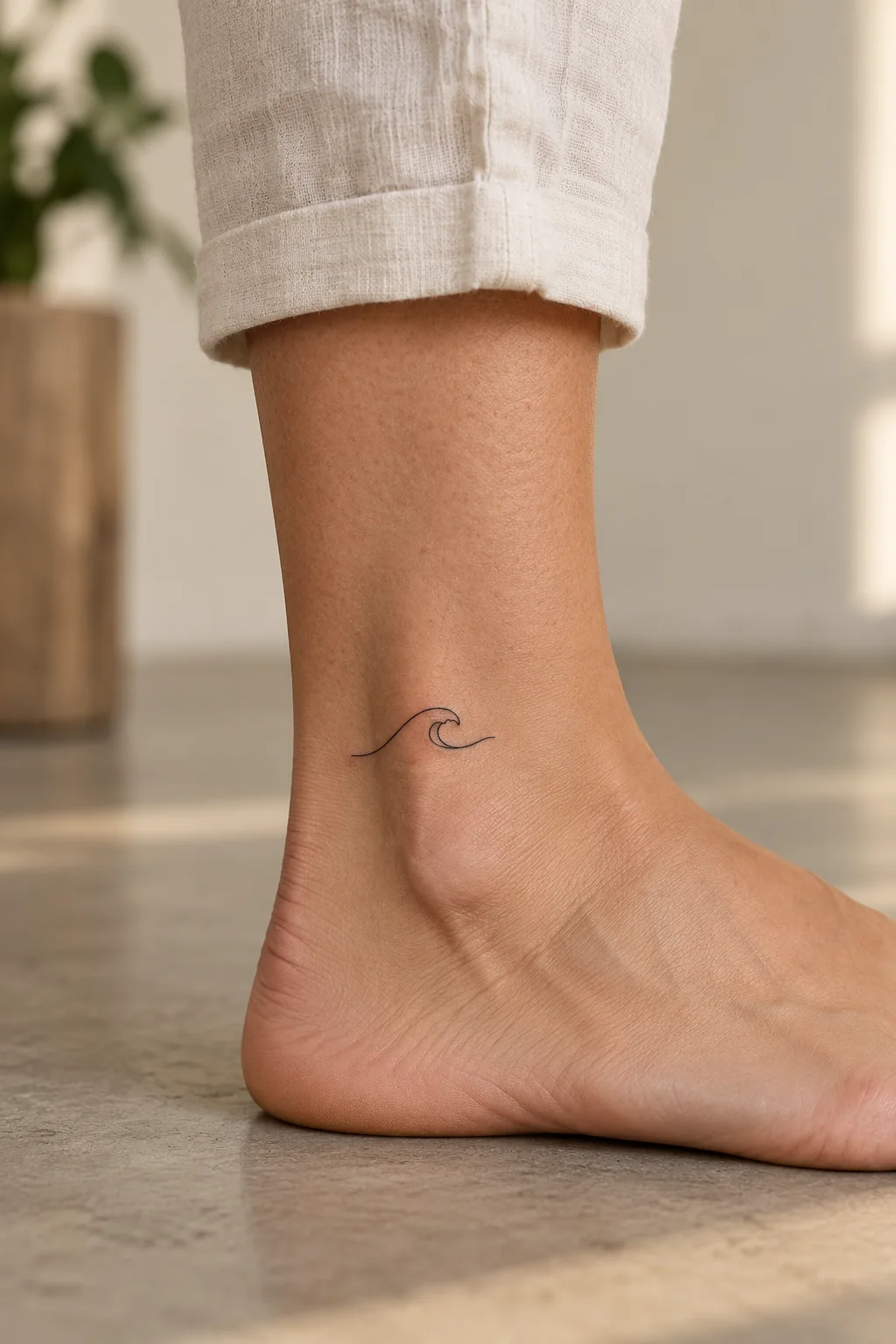
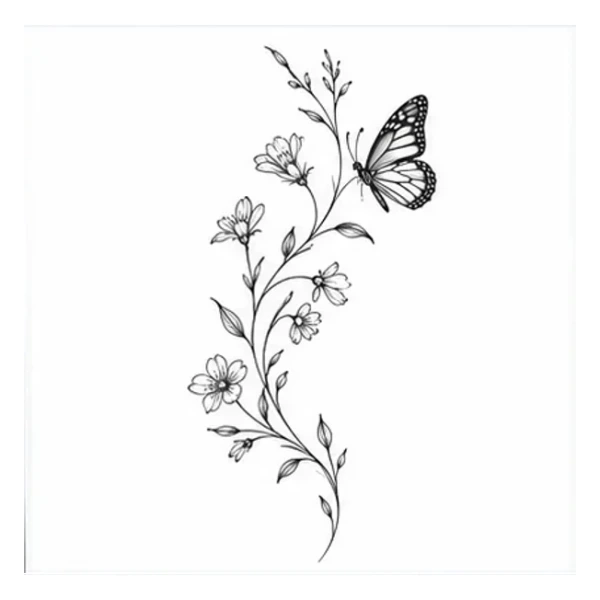
A flowing curve to simplify and make your own.
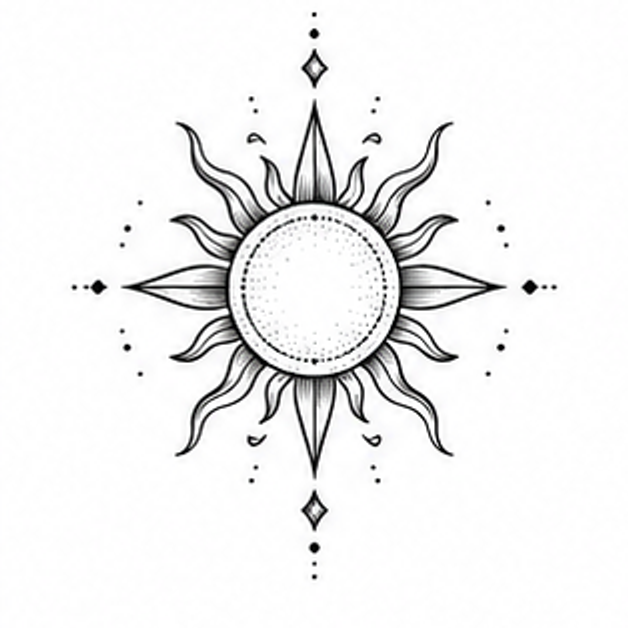
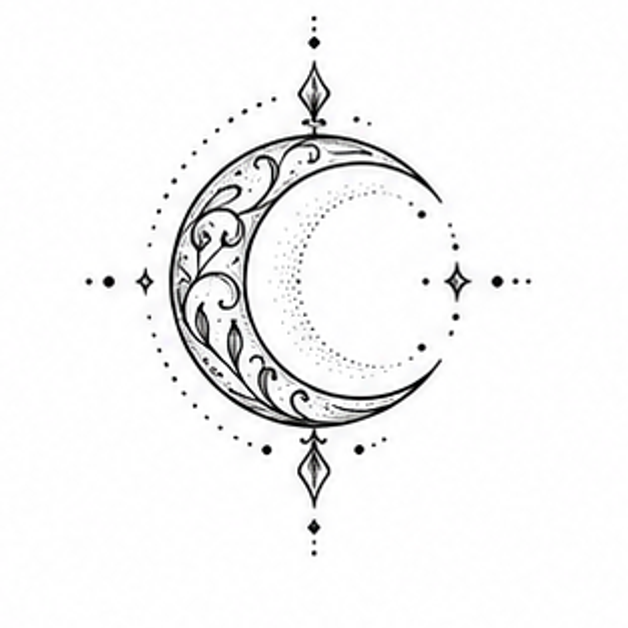
Light and dark. Always together.
Geometric & OrnamentalYes. Start with a sentence or a curated design, then choose a style, placement and visual details. TattooPilot turns that brief into a new concept you can refine and compare.
Yes. Explore tattoo styles and placement ideas, or choose both in the creation workspace. Placement guides the composition; your tattoo artist should make the final fit decisions on your body.
Yes. Change the subject, style, placement guidance or details and generate another version without losing the earlier one.
Yes. Model Preview helps you compare approximate scale and position on major body areas. It is a planning aid, not an exact prediction of how a tattoo will look on your skin.
Yes. Download the generated PNG and a text brief, then use them as a clear starting point for your conversation with a professional tattoo artist.
No. It is a concept, not a tattoo-ready stencil. A professional tattoo artist should adapt the scale, line weight, detail and placement to your body before tattooing.
Draft text and favorites stay in this browser. When you generate, your brief and settings are sent to the connected image provider. If you are signed in, generated images and previews are linked to your account and can be opened on another device. Images become unavailable after 30 days; physical removal may take about one additional day. Download anything you want to keep.