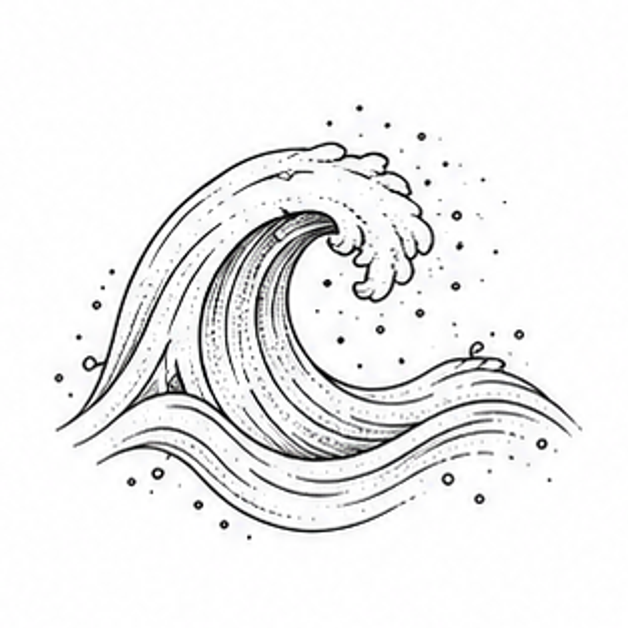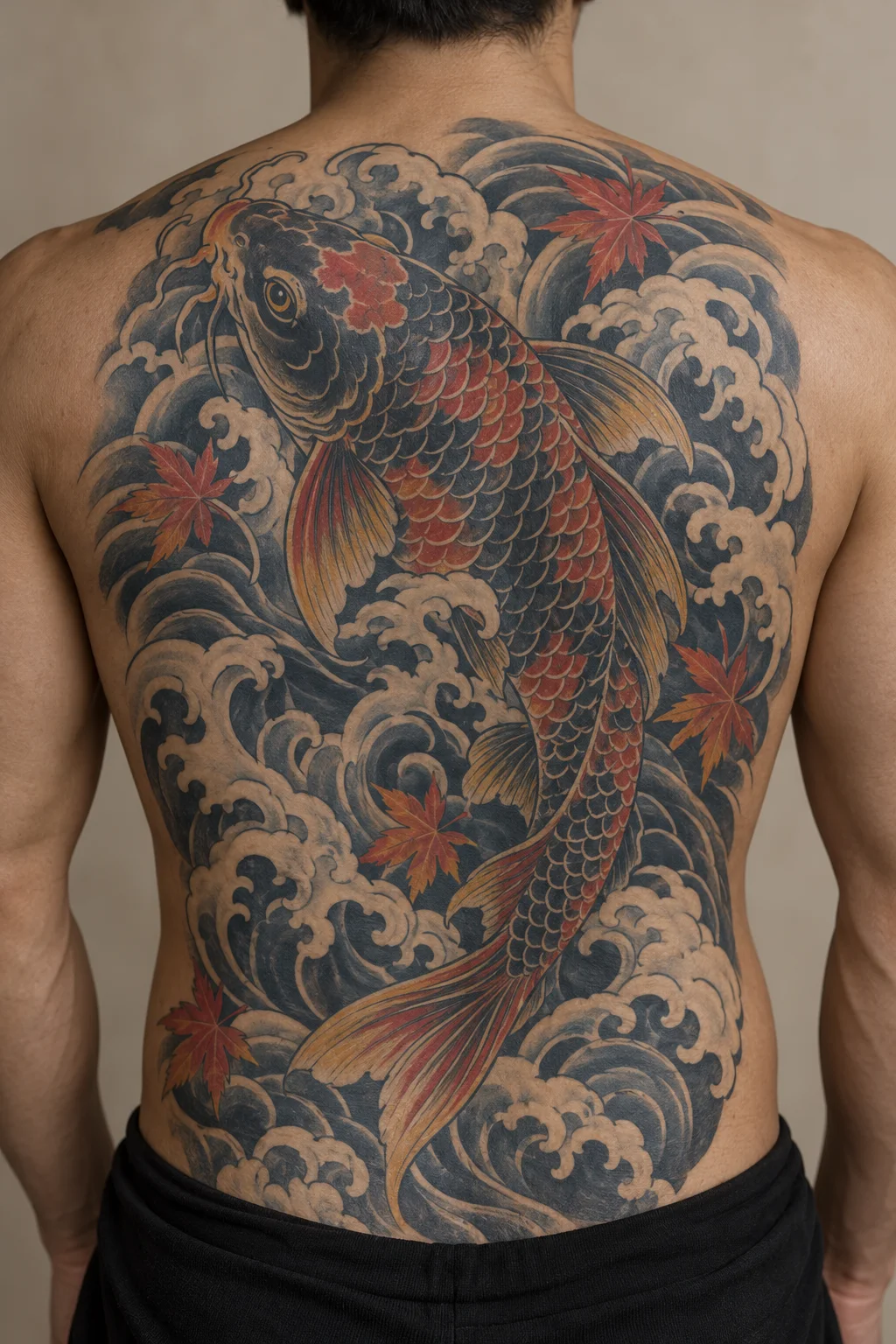
Koi and waves
A large flowing composition uses the back as one continuous canvas.
JapaneseBack
Customize TattooPilot pairs motif references with editable design briefs. Images are concept illustrations, including AI-generated body examples; they are not photographs of verified healed tattoos.
This collection selects subjects for back compositions. Use the notes to compare direction, coverage and shape.
A large flowing composition uses the back as one continuous canvas.
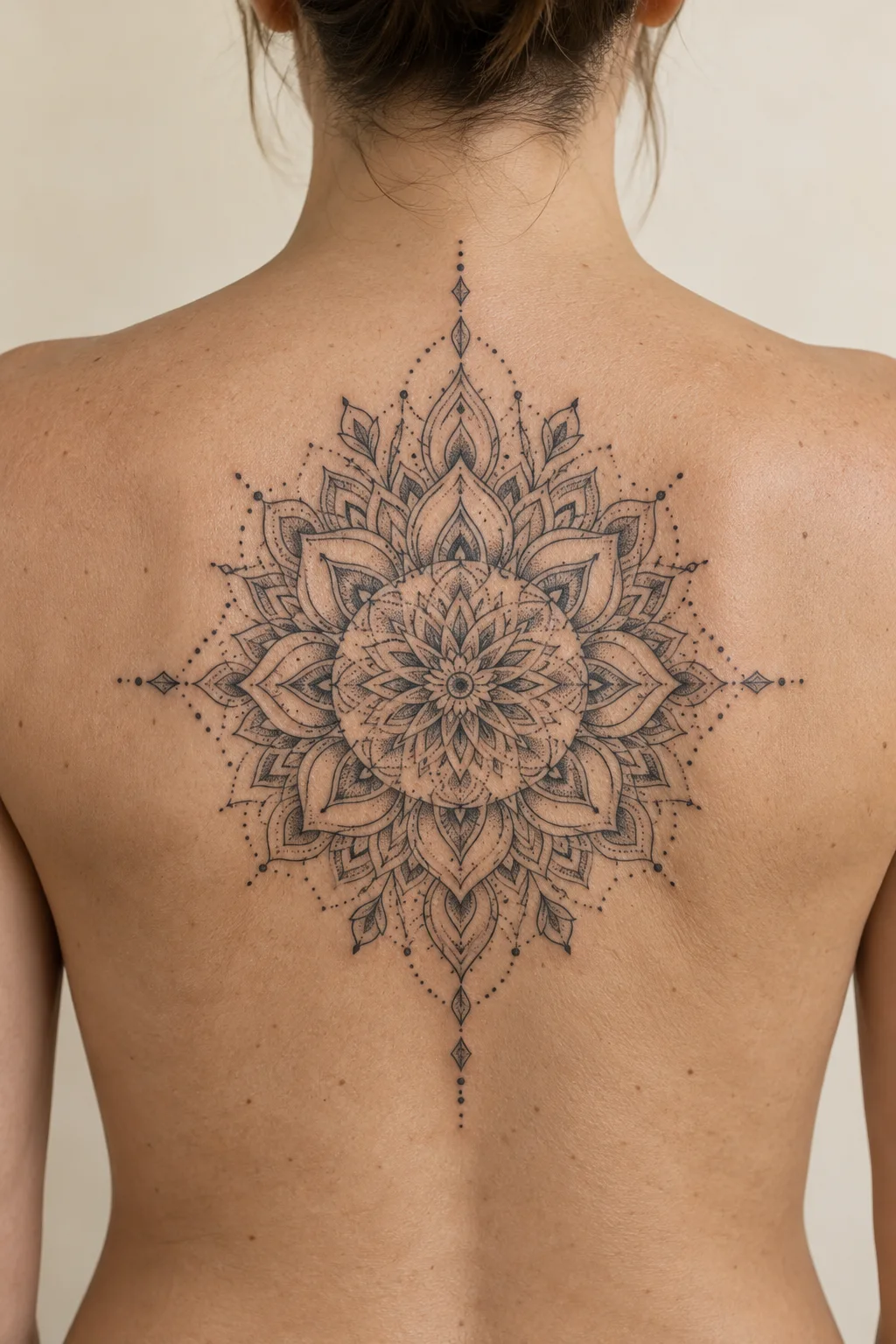
Precise symmetry and measured negative space create a centered architectural rhythm.
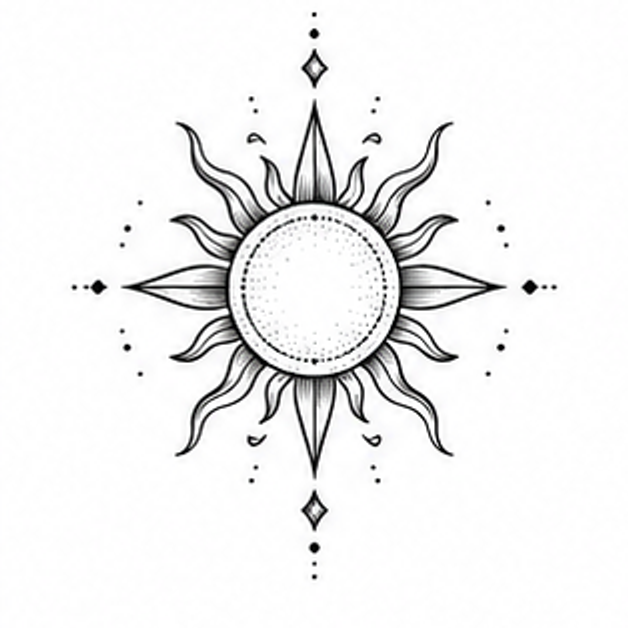
Ornamental Sun reinterpreted through the visual language of Geometric & Ornamental.
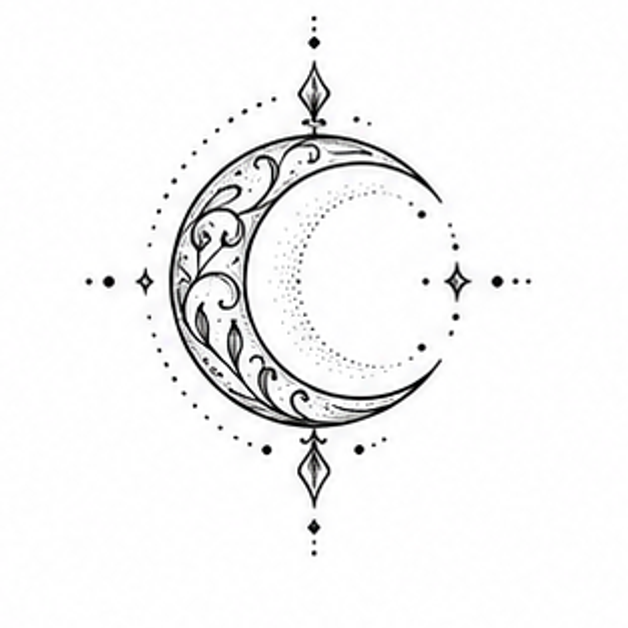
Ornamental Moon reinterpreted through the visual language of Geometric & Ornamental.
Use these checks to compare the ideas above before you generate a variation.
A centered mandala emphasizes symmetry; koi and waves create directional movement. Choose the composition before adding decorative backgrounds.
Keep a visible gap or contrast change between the main subject and surrounding waves or patterns, so the subject remains easy to find.
Discuss upper-back coverage versus a longer composition with your artist. A generated image does not plan a full-back project or its sessions.
Compare healed examples in your chosen artist’s portfolio, ask which details need more space, and check the stencil at the intended size. These notes are AI-assisted planning guidance, not an artist-reviewed tattoo assessment.
Suggest a correctionSelect an image to load its subject, style and back placement into the designer. Edit the prompt before generating your own concept.
No. Composition formats describe the image shape, not centimeters or inches. Confirm scale, detail and stencil placement with your tattoo artist.