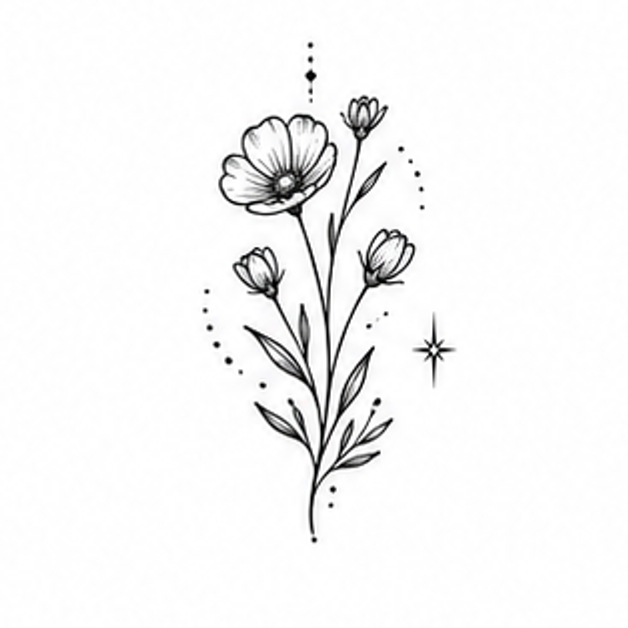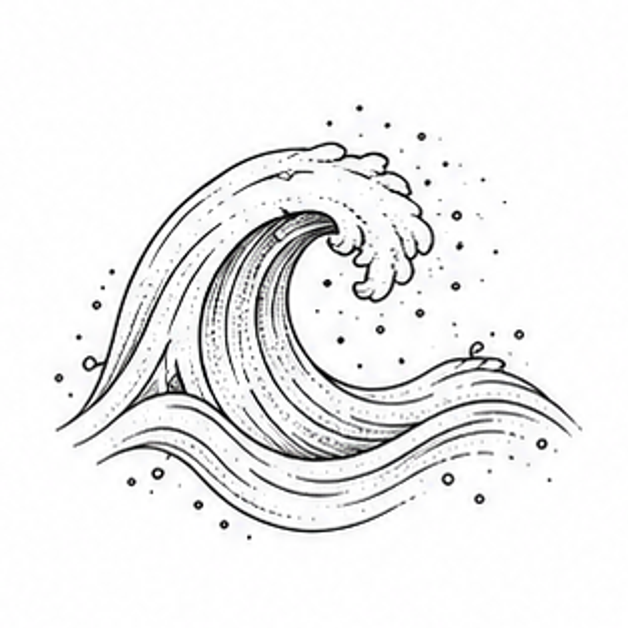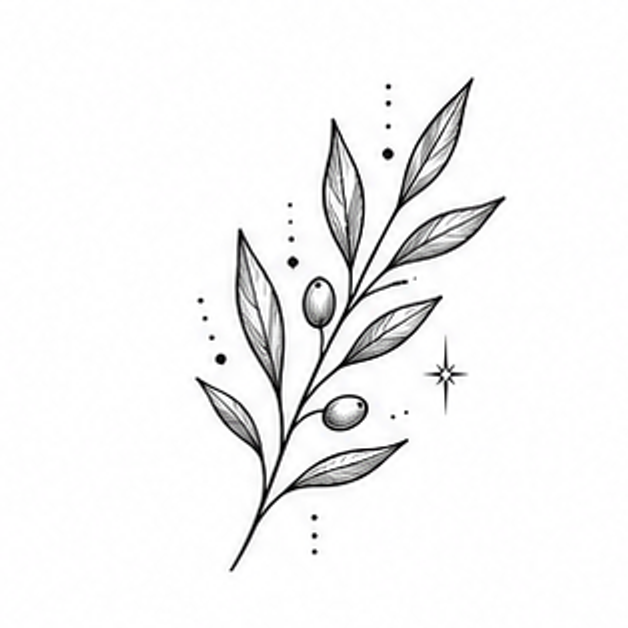
Shoulder tattoo ideas
TattooPilot pairs motif references with editable design briefs. Images are concept illustrations, including AI-generated body examples; they are not photographs of verified healed tattoos.
This collection selects subjects for shoulder compositions. Use the notes to compare direction, coverage and shape.
Ideas to make your own
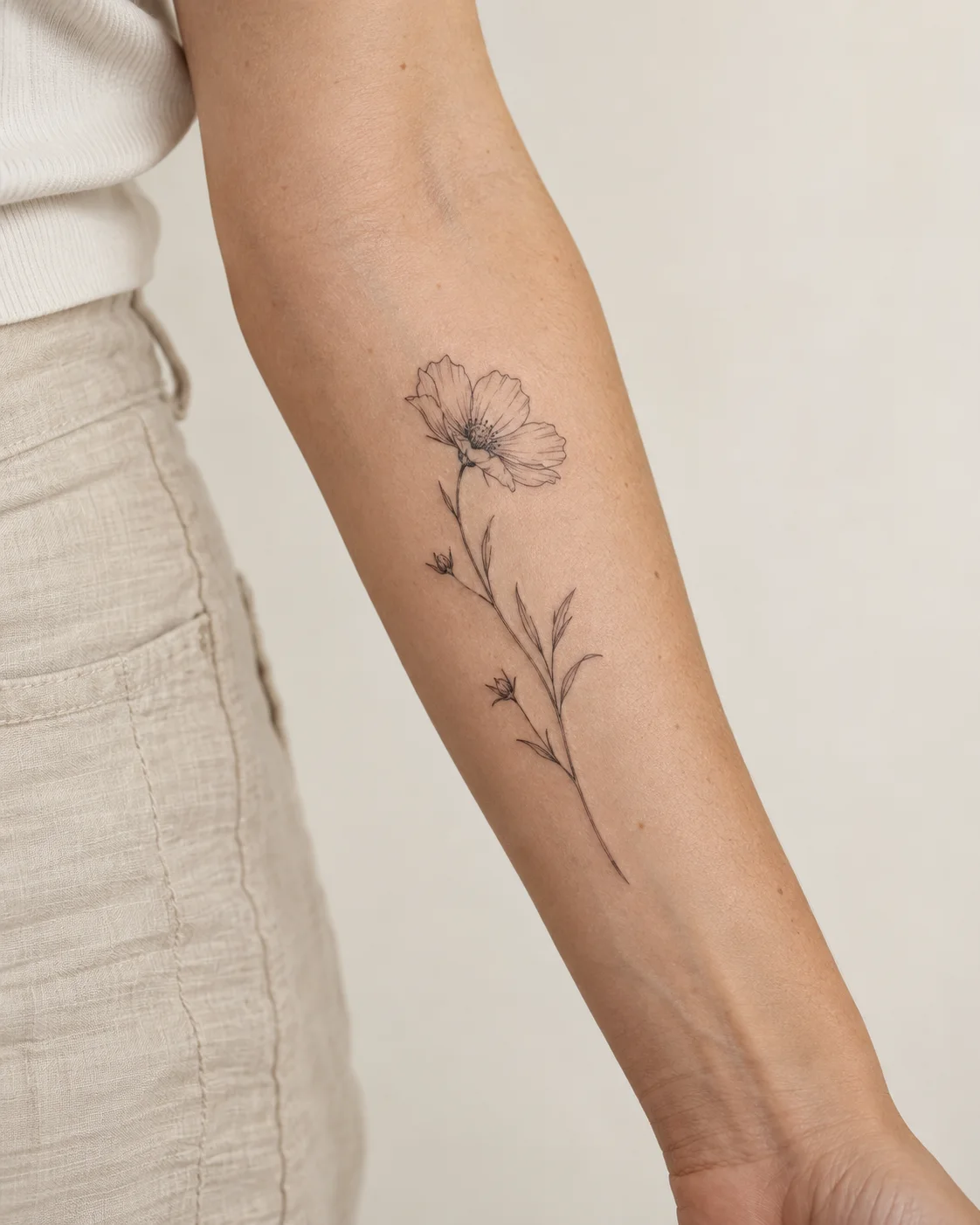
Wildflower Stem
A long stem and delicate petals for a vertical composition.
Fine lineShoulder
Customize 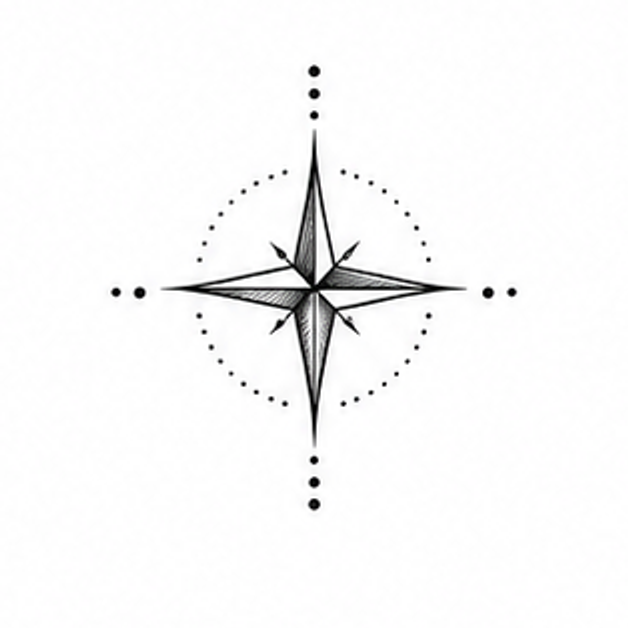
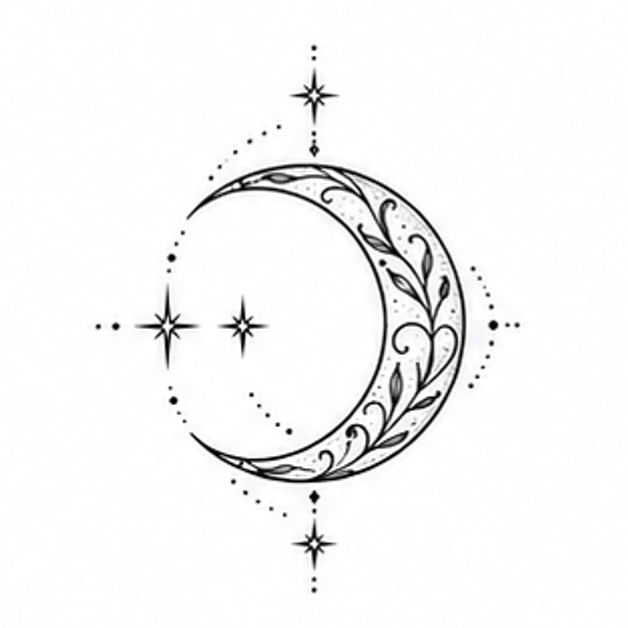
Crescent Moon
Crescent Moon reinterpreted through the visual language of Fine line.
Fine lineShoulder
Customize 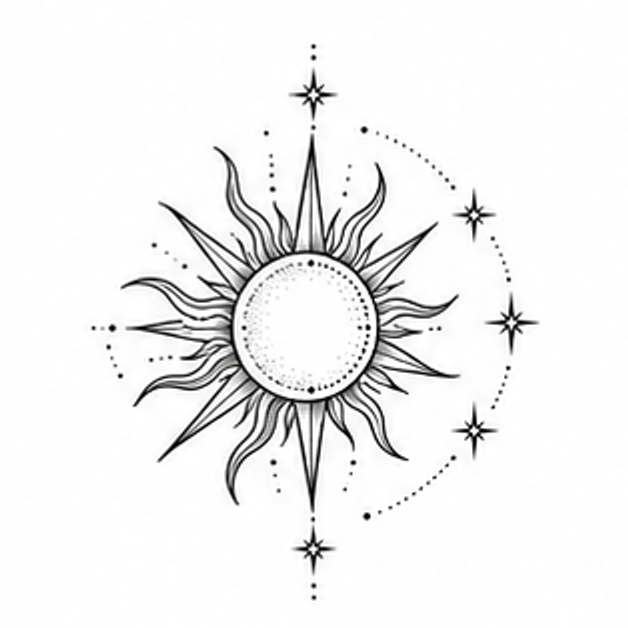
Radiant Sun
Radiant Sun reinterpreted through the visual language of Blackwork.
BlackworkShoulder
Customize Design for a rounded placement
Use these checks to compare the ideas above before you generate a variation.
Follow the natural curve
Botanical stems and open shapes can echo the shoulder line without needing to fill the whole area.
Check the silhouette
A shoulder design is seen from several angles. Keep the central shape readable before adding smaller details.
Refine with your artist
A flat concept cannot show how the final tattoo wraps. Use it to discuss orientation, scale and movement with your artist.
Take your concept to an artist
Compare healed examples in your chosen artist’s portfolio, ask which details need more space, and check the stencil at the intended size. These notes are AI-assisted planning guidance, not an artist-reviewed tattoo assessment.
Suggest a correctionBefore you create
Can I preview a concept on the shoulder?
Yes. The concept designer creates a flat image first. Then open Model Preview for an approximate shoulder placement; your tattoo artist should determine the final wrap and fit.
Can I make the design smaller?
You can request fewer elements and more open space, then discuss the final physical size with your tattoo artist.