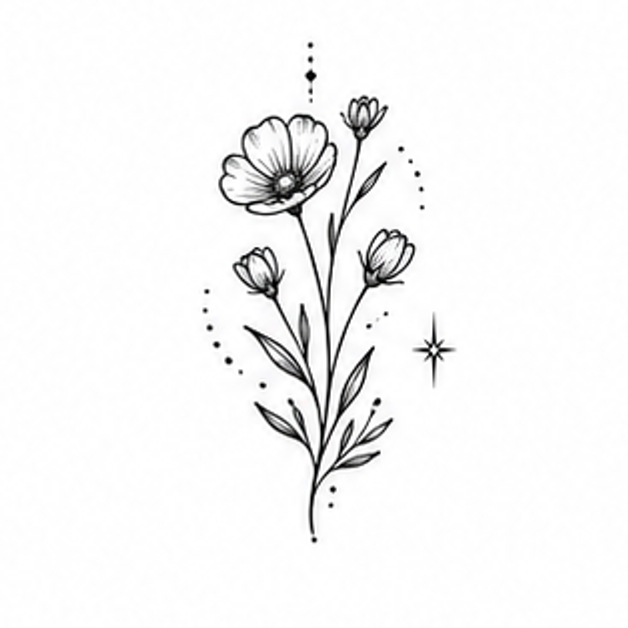
Wrist tattoo ideas
TattooPilot pairs motif references with editable design briefs. Images are concept illustrations, including AI-generated body examples; they are not photographs of verified healed tattoos.
This collection selects subjects for wrist compositions. Use the notes to compare direction, coverage and shape.
Ideas to make your own

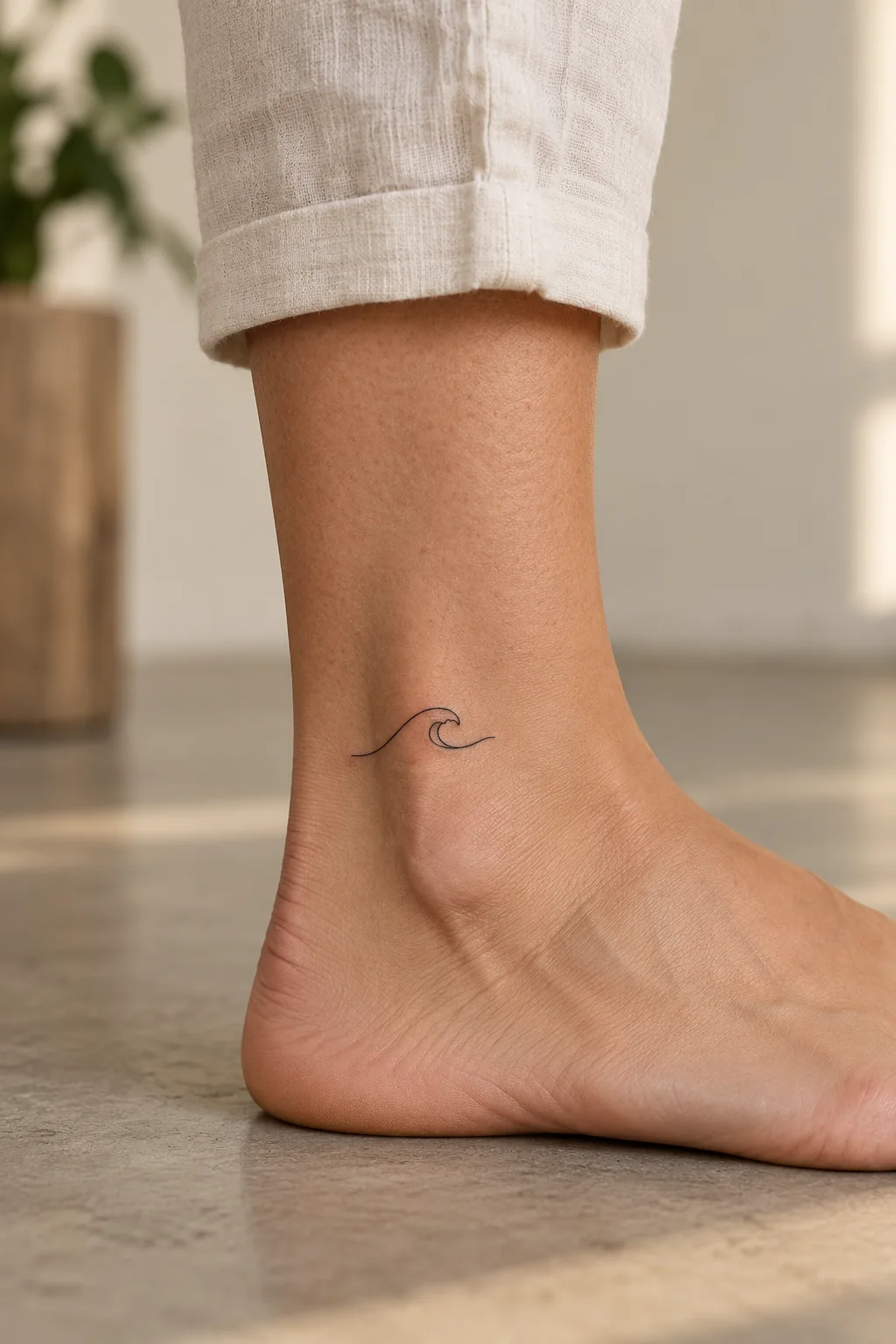
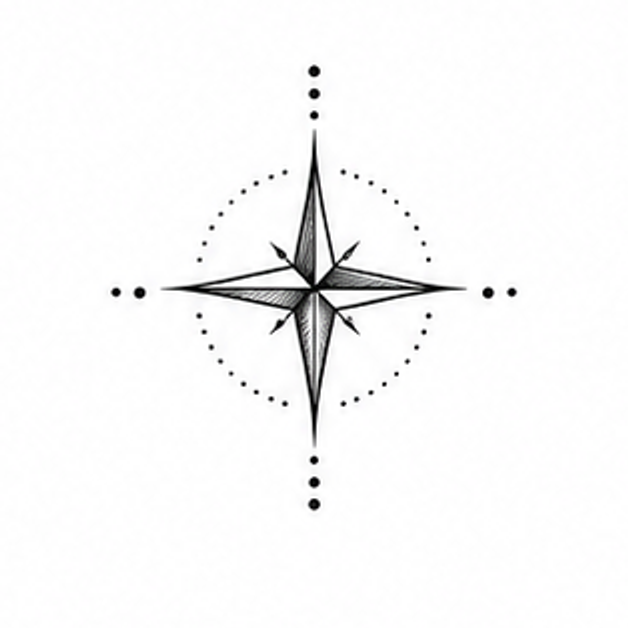
Give a small design room to breathe
Use these checks to compare the ideas above before you generate a variation.
Choose a clear focal point
Start with one symbol: a heart, a star, a branch or a wave. A small composition is easier to explore when the idea has a clear center.
Describe the direction
Tell the generator whether you imagine a compact symbol or a design that follows the wrist. This guides the flat composition; it does not determine the final fit.
Discuss the final size
Use the downloaded concept to discuss size, orientation and detail with your artist. The image does not establish a physical tattoo size.
Take your concept to an artist
Compare healed examples in your chosen artist’s portfolio, ask which details need more space, and check the stencil at the intended size. These notes are AI-assisted planning guidance, not an artist-reviewed tattoo assessment.
Suggest a correctionBefore you create
Can I make these wrist ideas minimalist?
Yes. Select a concept, then choose Minimalist in the workspace to request fewer elements and simpler shapes.
Can I preview a concept on the wrist?
Wrist-specific Model Preview is not available. Create a flat concept and discuss its position and scale with your tattoo artist.