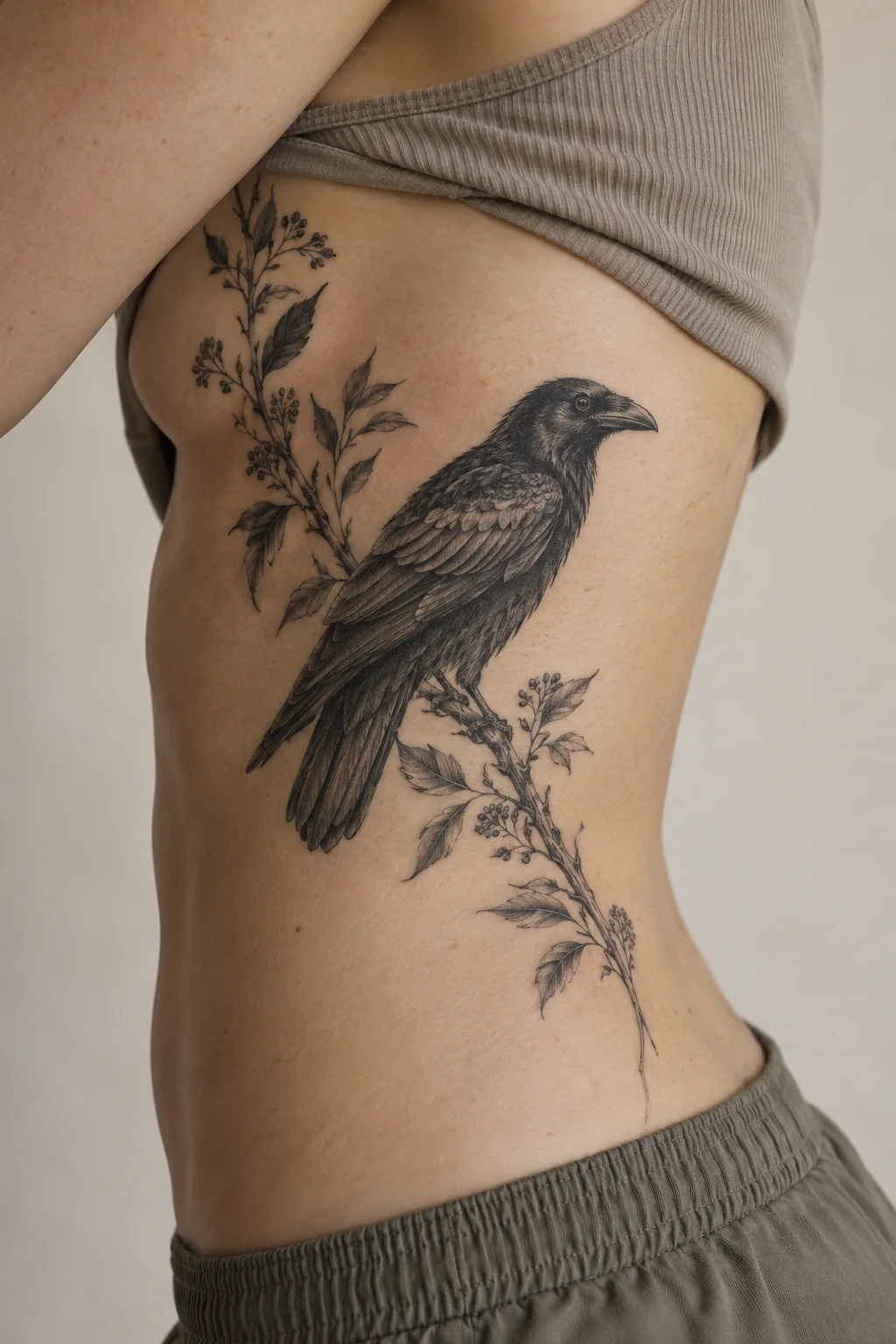
Raven and branch
Expressive contour lines and hatching give the motif a print-like narrative quality.
IllustrativeRibs / side
Customize TattooPilot pairs motif references with editable design briefs. Images are concept illustrations, including AI-generated body examples; they are not photographs of verified healed tattoos.
This collection explores Illustrative through line, contrast and composition. Compare the treatment as well as the subject.
Expressive contour lines and hatching give the motif a print-like narrative quality.
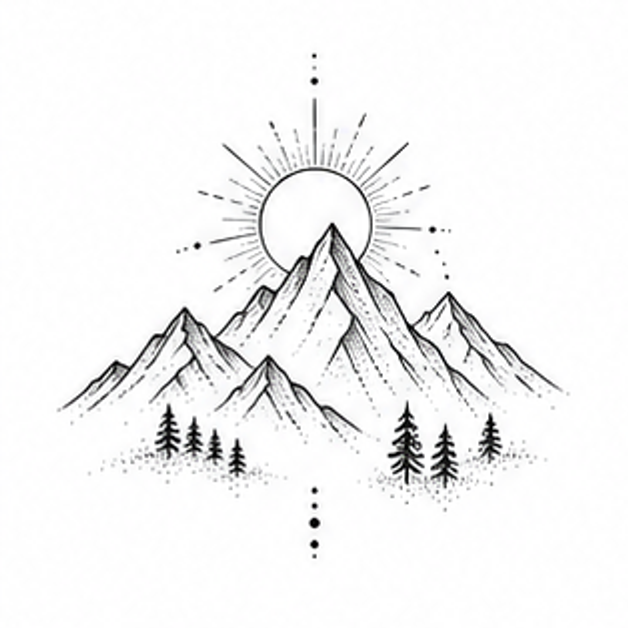
Mountain Ridge reinterpreted through the visual language of Illustrative.
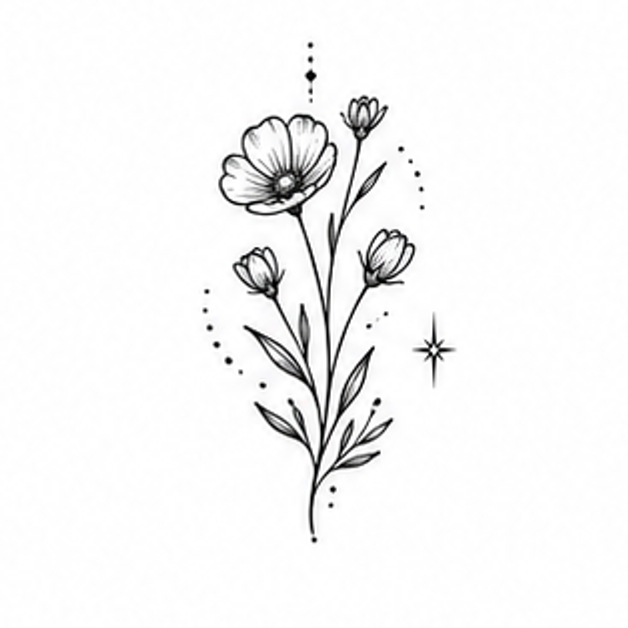
Wildflower Stem reinterpreted through the visual language of Illustrative.
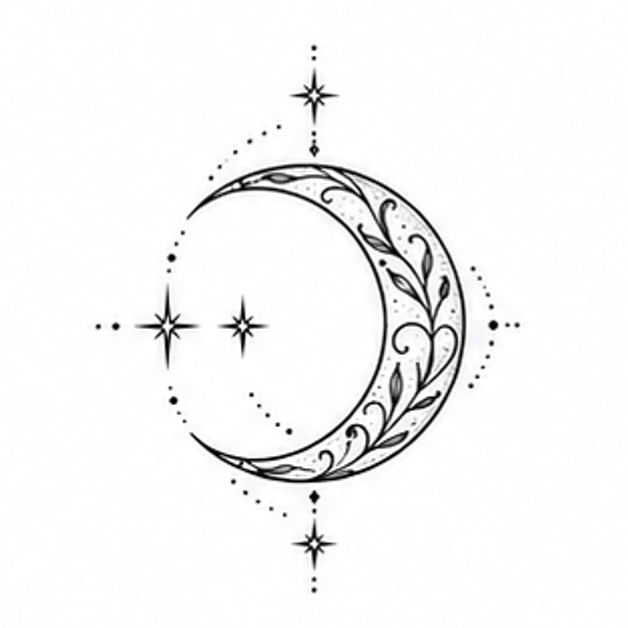
Crescent Moon reinterpreted through the visual language of Illustrative.
Use these checks to compare the ideas above before you generate a variation.
Expressive contours and hatching can give a raven or botanical branch an ink-drawing quality. Specify engraving-like marks or softer drawn lines to keep the brief focused.
Use the silhouette to carry the subject and hatching to support it. Request fewer texture marks if the focal shape gets lost.
Bring your chosen concept, intended body area and approximate coverage. Ask your artist to adapt the line spacing, contrast and final drawing to your body.
Compare healed examples in your chosen artist’s portfolio, ask which details need more space, and check the stencil at the intended size. These notes are AI-assisted planning guidance, not an artist-reviewed tattoo assessment.
Suggest a correctionYes. Open any starting point, replace the subject in your brief and keep Illustrative selected in the workspace.
No. They are creative concepts. A professional tattoo artist should adapt the final drawing, scale and placement before tattooing.