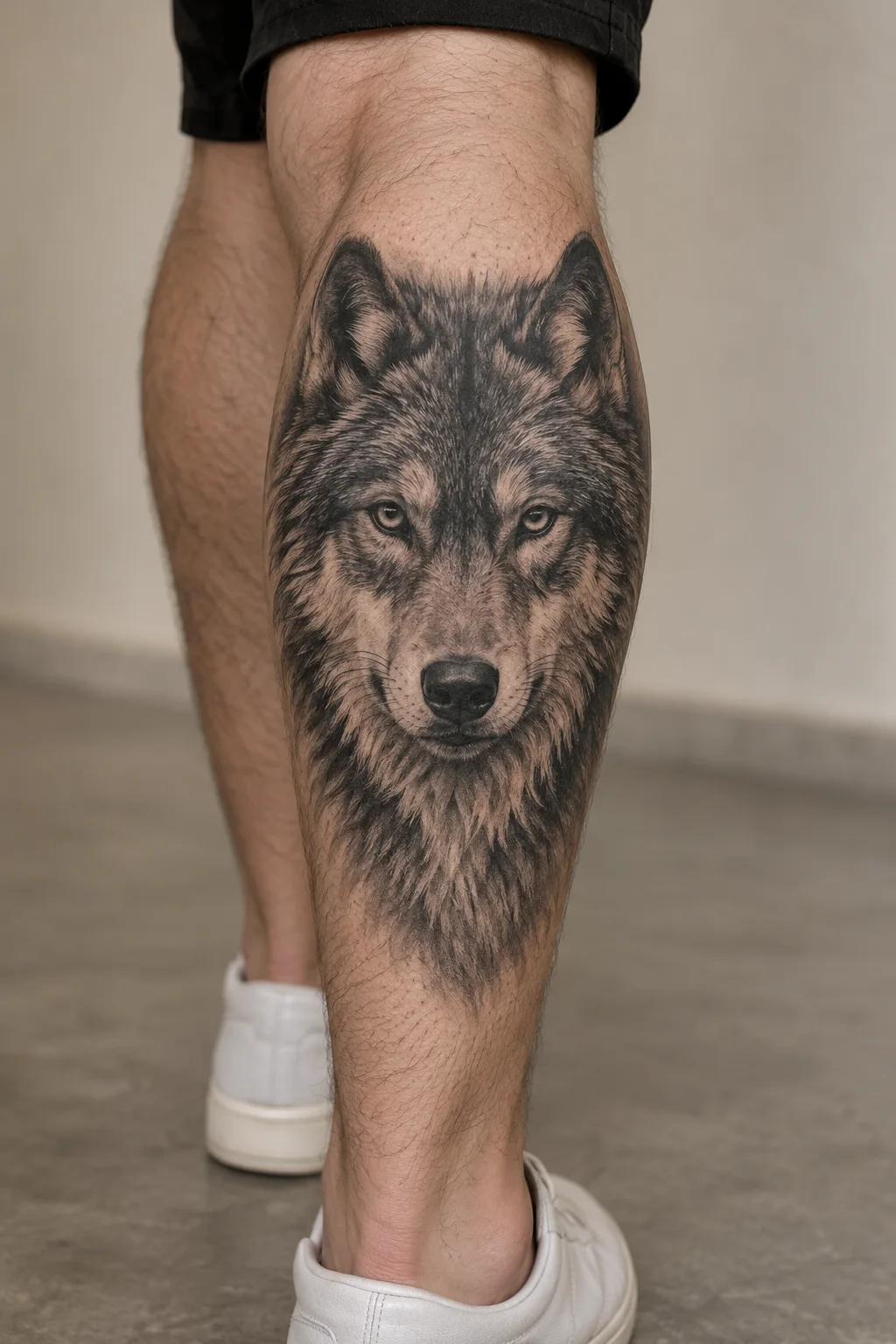
Wolf portrait
Natural texture and controlled black-and-grey depth create a lifelike focal point.
RealismCalf
Customize TattooPilot pairs motif references with editable design briefs. Images are concept illustrations, including AI-generated body examples; they are not photographs of verified healed tattoos.
This collection explores Realism through line, contrast and composition. Compare the treatment as well as the subject.
Natural texture and controlled black-and-grey depth create a lifelike focal point.
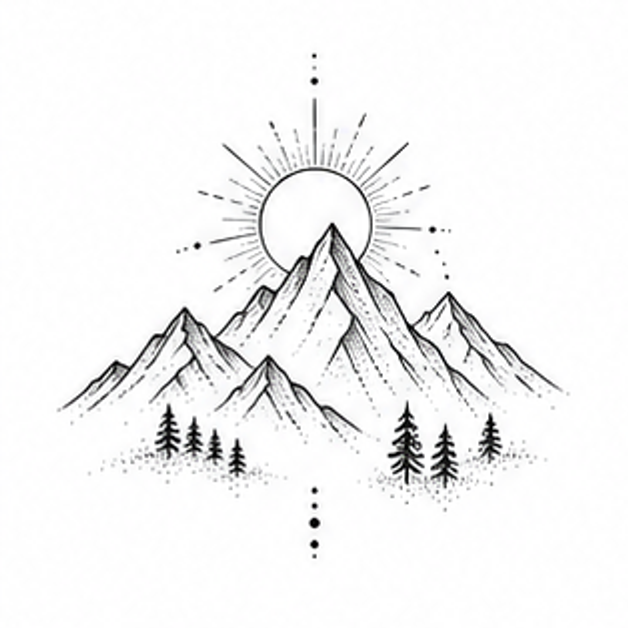
Mountain Ridge reinterpreted through the visual language of Realism.
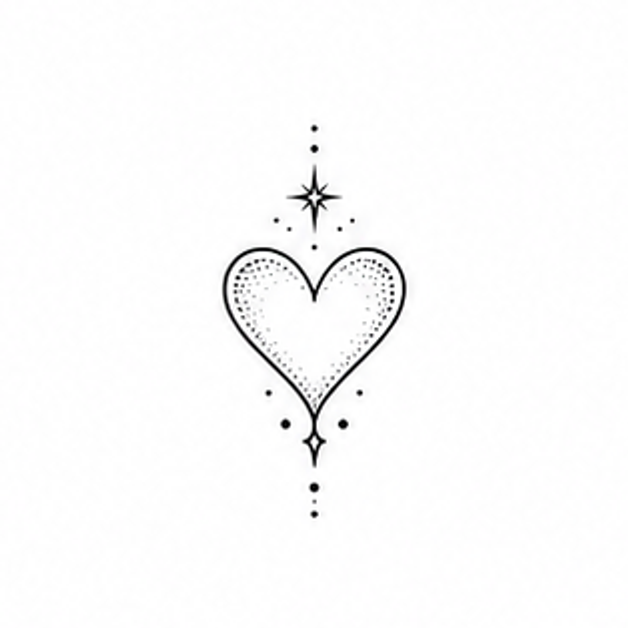
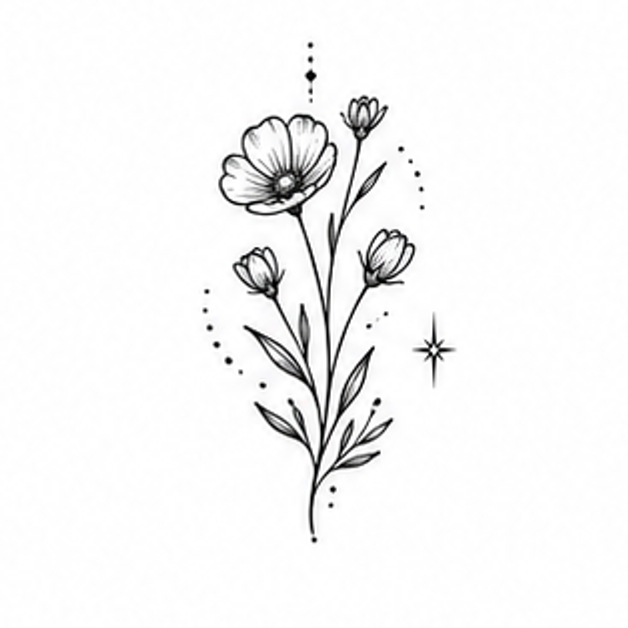
Wildflower Stem reinterpreted through the visual language of Realism.
Use these checks to compare the ideas above before you generate a variation.
A wolf portrait depends on proportions and a coherent light direction. Use a clear reference for the subject and avoid competing background elements.
Inspect eyes, edges and tonal transitions, then ask an artist what can be translated at your intended size. A detailed AI image is not proof of tattoo feasibility.
Bring your chosen concept, intended body area and approximate coverage. Ask your artist to adapt the line spacing, contrast and final drawing to your body.
Compare healed examples in your chosen artist’s portfolio, ask which details need more space, and check the stencil at the intended size. These notes are AI-assisted planning guidance, not an artist-reviewed tattoo assessment.
Suggest a correctionYes. Open any starting point, replace the subject in your brief and keep Realism selected in the workspace.
No. They are creative concepts. A professional tattoo artist should adapt the final drawing, scale and placement before tattooing.