Color tattoos, clean outlines.
Separate a color-rich tattoo from skin and shading. Compare the original with a black-and-white linework draft.
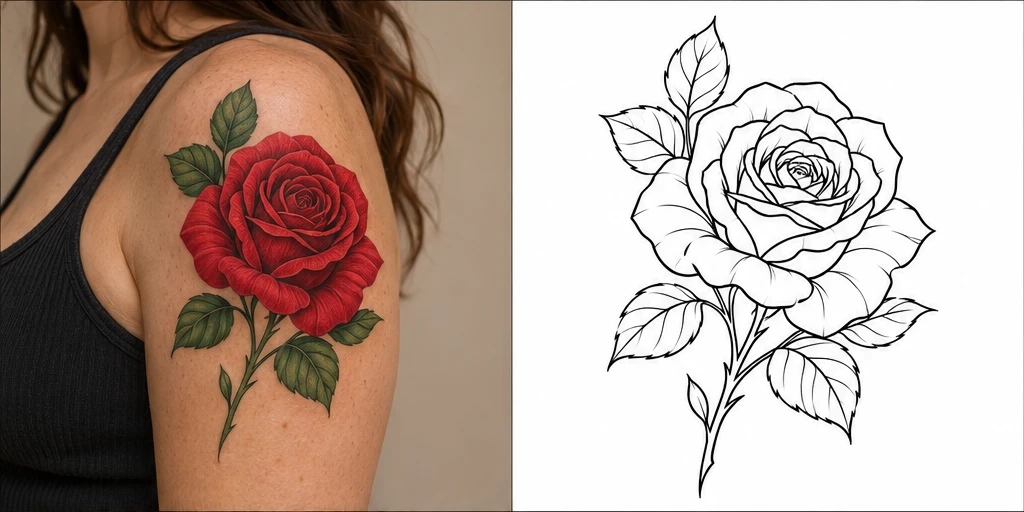
Turn a photo or tattoo design into clean stencil linework.
Illustrative example
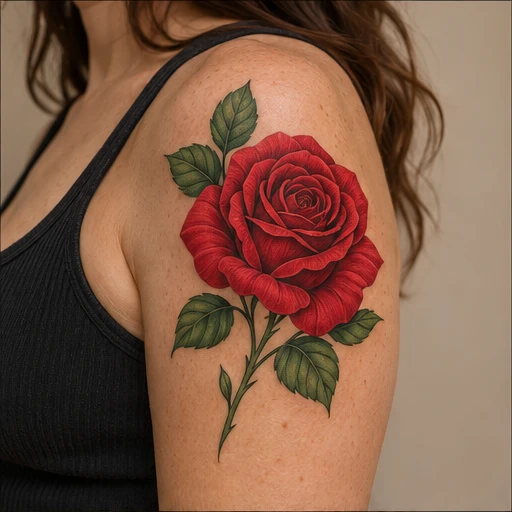
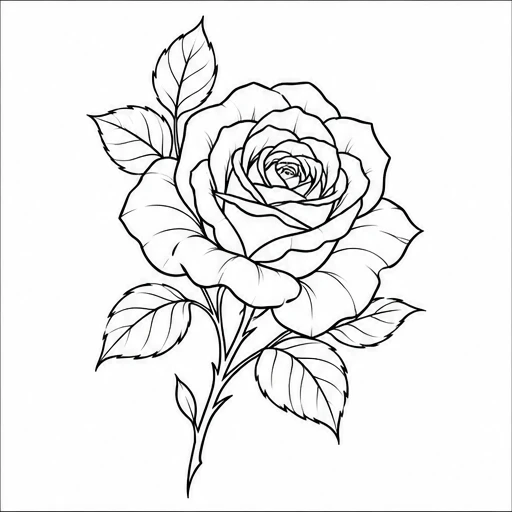
From color and black-and-grey tattoos to clean linework.
Illustrative examples, not actual conversion results.
Separate a color-rich tattoo from skin and shading. Compare the original with a black-and-white linework draft.
Bring the essential lines into focus. Start with a clear view of the whole tattoo, including the edges and finer details.
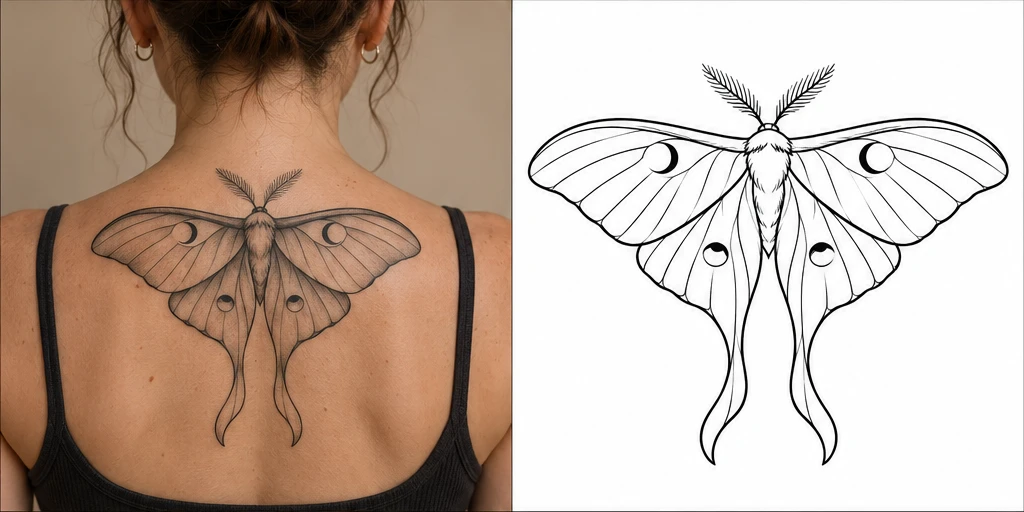
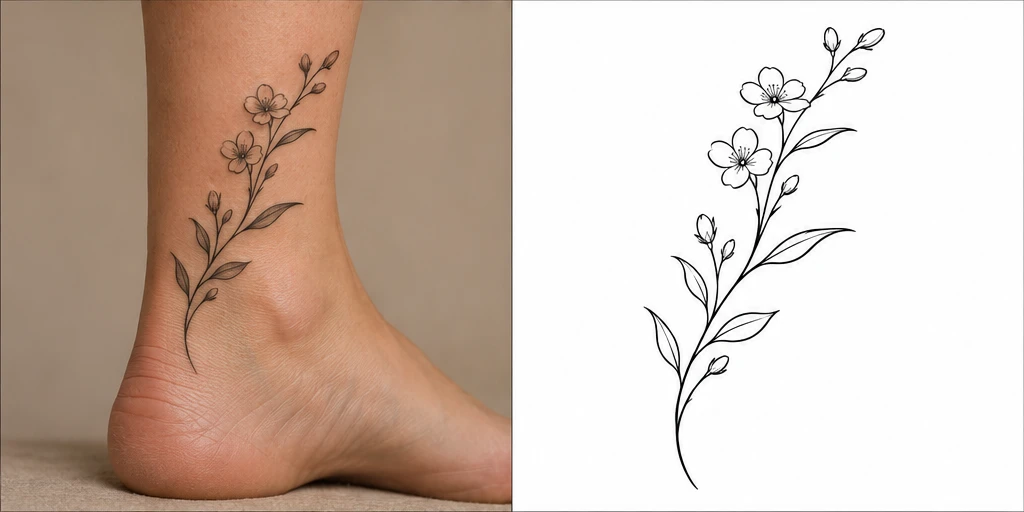
Extract delicate botanical artwork from an ankle placement. Check the result for missing lines before sharing it with your artist.
A simple workflow from your first upload to your final review.
Choose a clear photo of your tattoo or a design you have permission to use.
Select Stencil outline or Original artwork. Each conversion uses 2 credits.
Save the PNG and ask your artist to check scale, linework and any missing details.
Upload a photo of your tattoo or your own artwork and select Stencil outline. The tool extracts a black-and-white linework draft. Results depend on the source image; review missing details and line spacing with your tattoo artist.
Stencil outline removes color and shading to focus on contours. Original artwork isolates the existing design while preserving its colors and detail. Neither mode is intended to redesign your tattoo.
Use a clear, well-lit close-up with the complete tattoo visible. JPG, PNG and WebP files up to 5 MB and 40 megapixels are supported. Crop out unrelated details before uploading, and use only images you own or have permission to edit.
Each conversion costs 2 credits, using your existing TattooPilot balance. Failed conversions return the credits automatically. Comparing and downloading a completed result costs no additional credits.
Download the PNG and have your artist check the design, line weight and physical dimensions before printing. The image is an AI-generated draft, not an artist-approved transfer stencil. Results are available for 30 days.