Rose and swallow
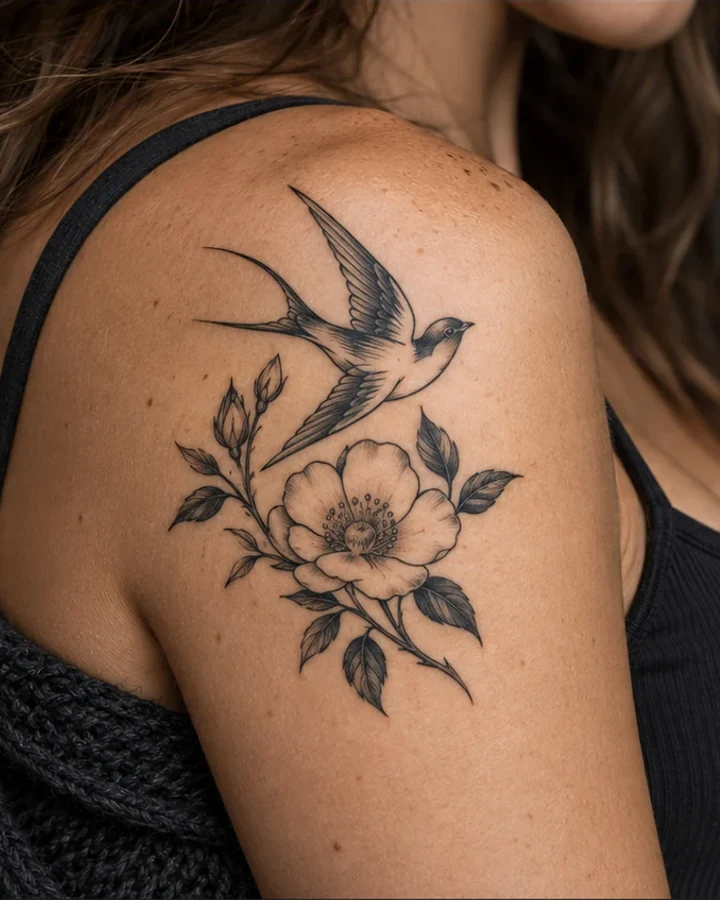
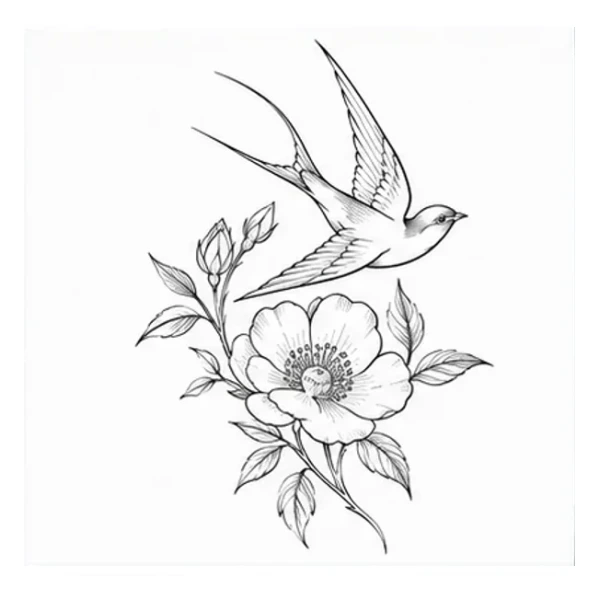
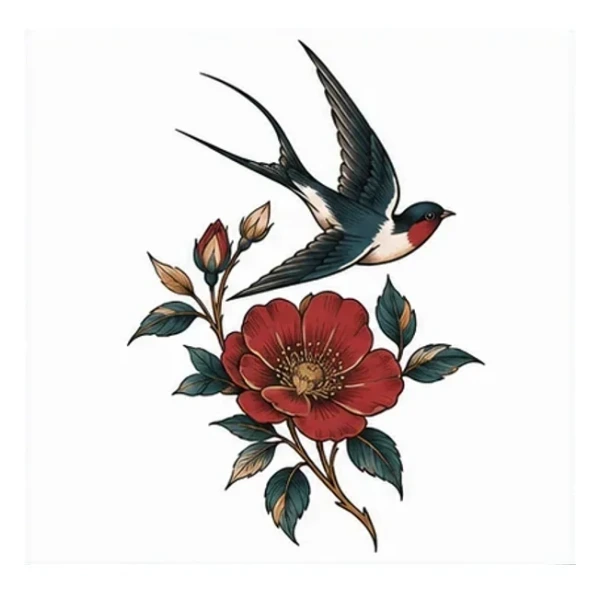
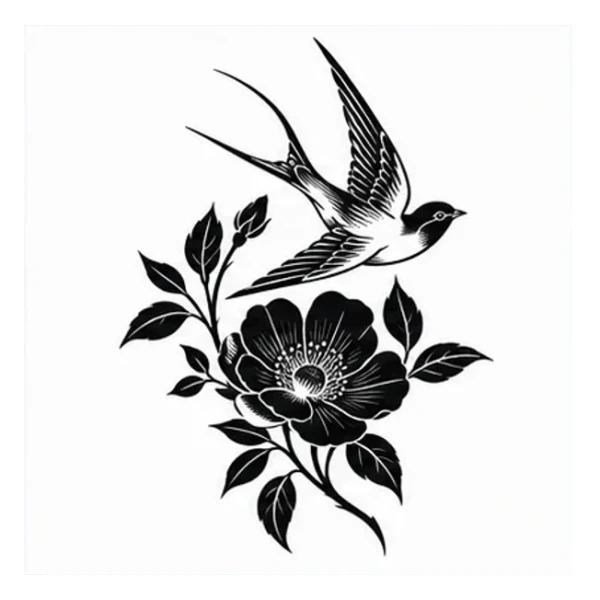
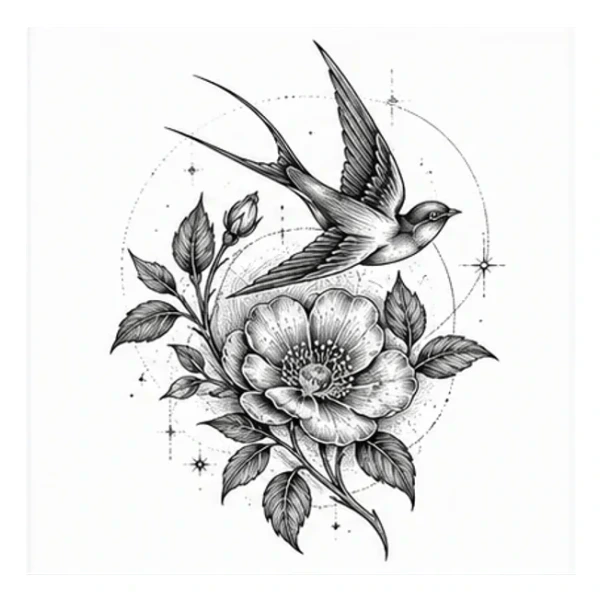
One wild rose intertwined with one flying swallow, composed naturally for the outer shoulder.
Type: AI-generated on-body concept setPlacement: ShoulderStyle: Multiple stylesSource: TattooPilotDescribe your idea, compare tattoo styles and versions, then preview your design on a model.
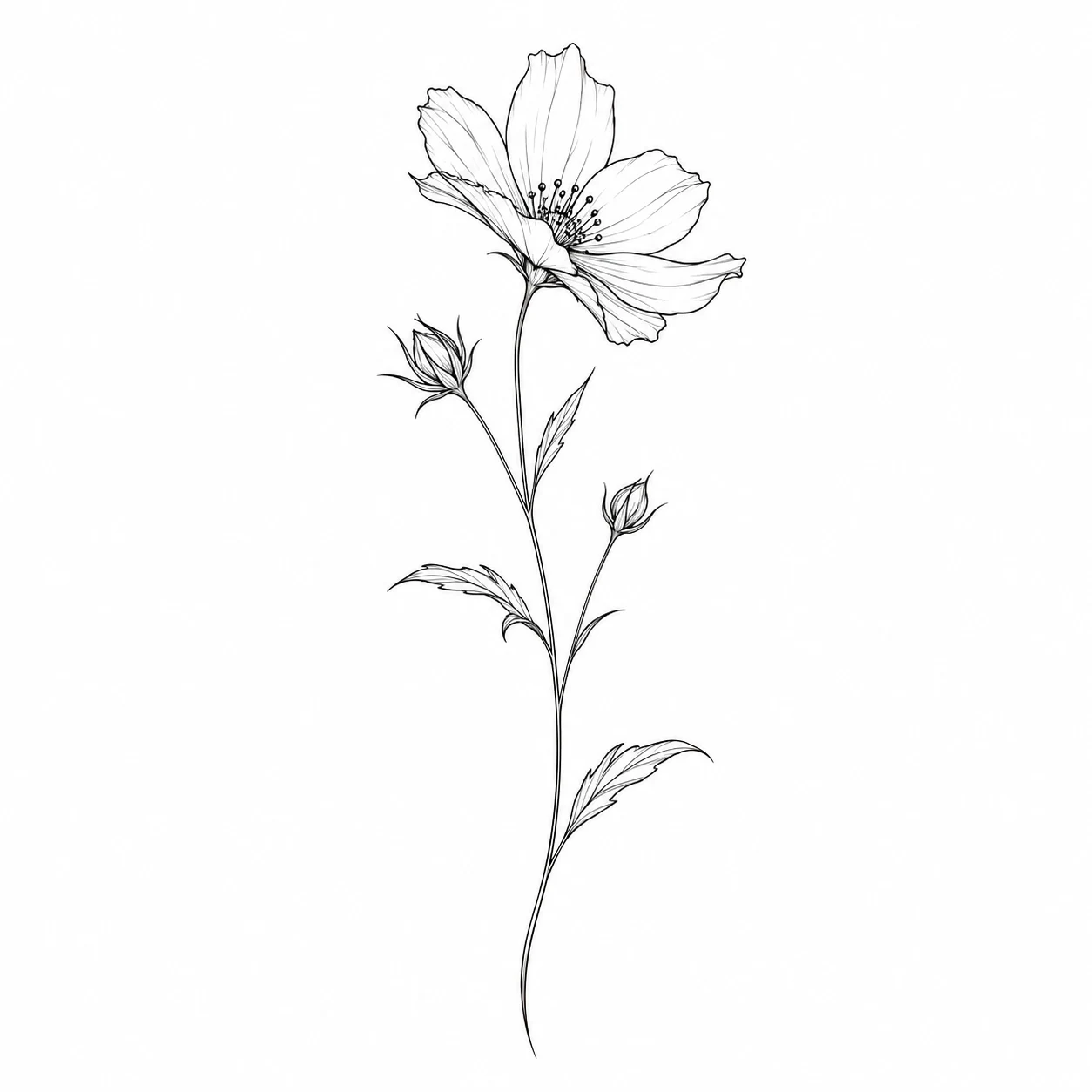
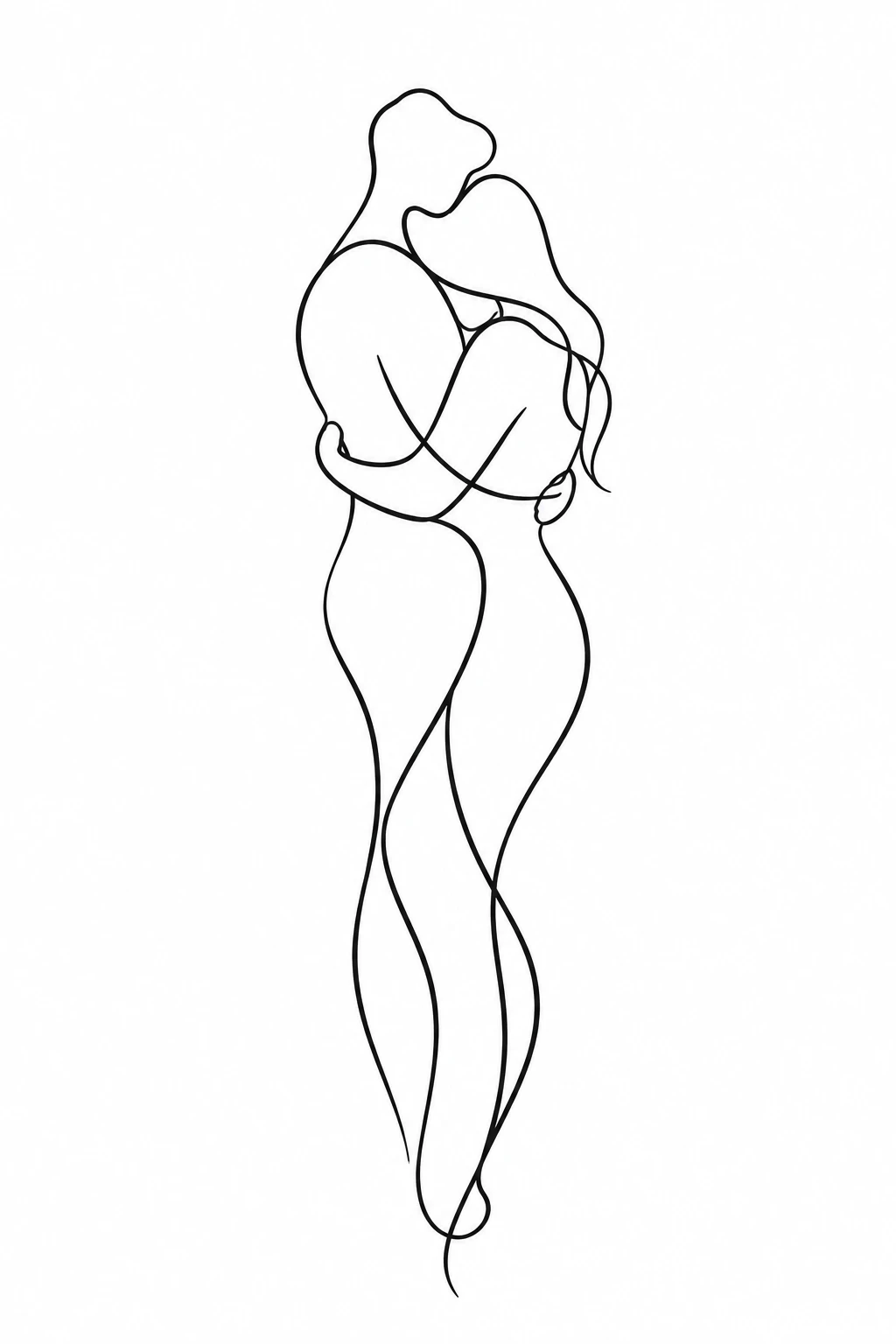
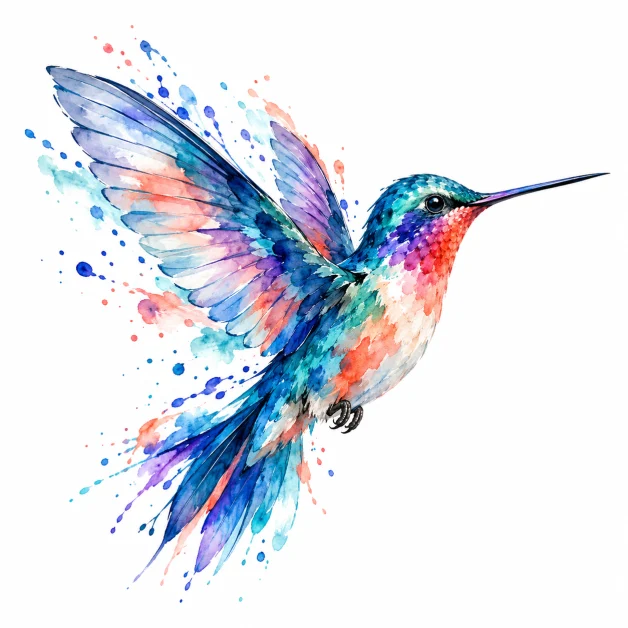
The subject can stay the same while line, color, contrast and mood change. Use these comparisons to describe the direction you want.
One wild rose intertwined with one flying swallow, composed naturally for the outer shoulder.
Type: AI-generated on-body concept setPlacement: ShoulderStyle: Multiple stylesSource: TattooPilot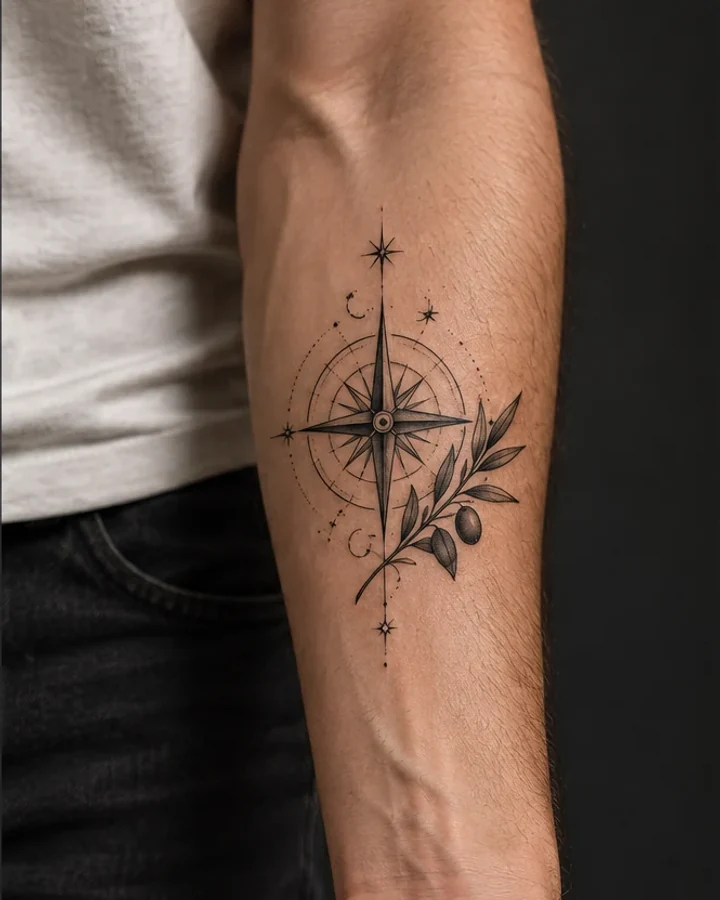
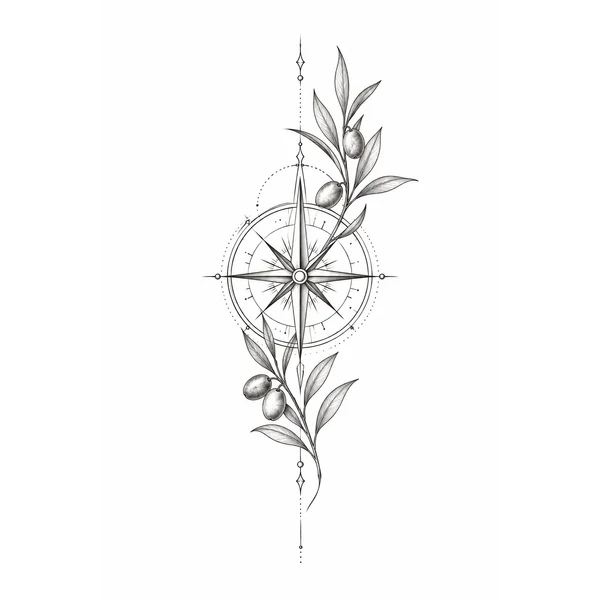
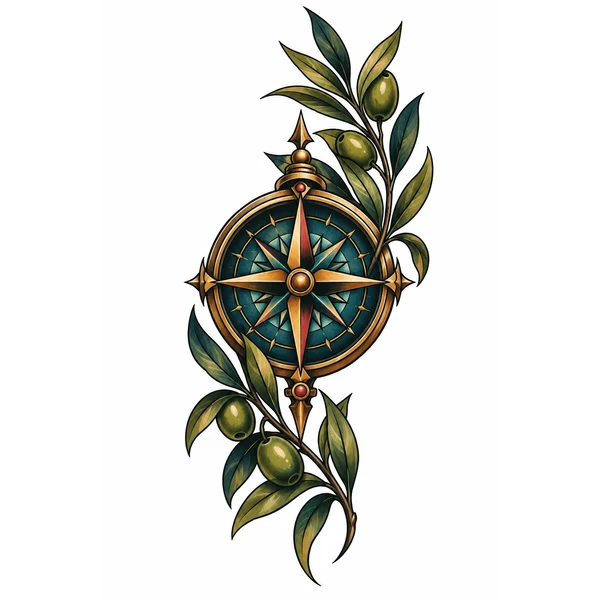
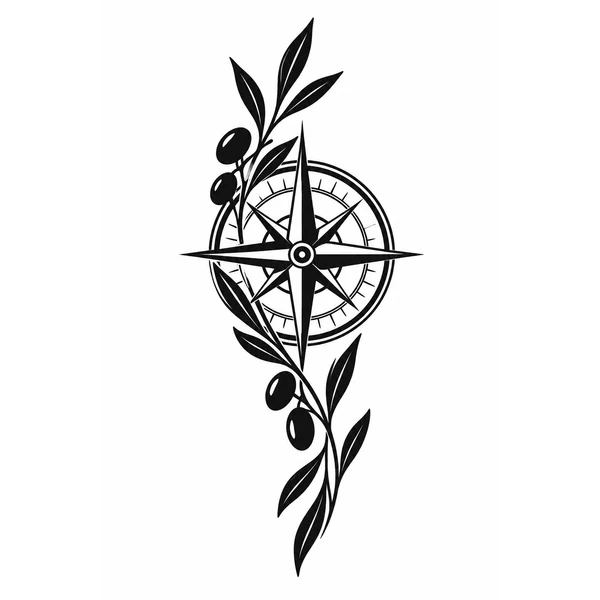
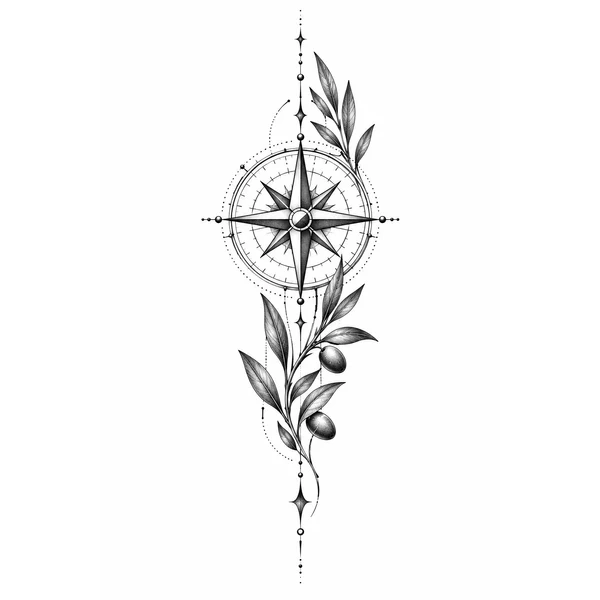
One celestial compass paired with a short olive sprig, composed vertically for the inner forearm.
Type: AI-generated on-body concept setPlacement: ForearmStyle: Multiple stylesSource: TattooPilot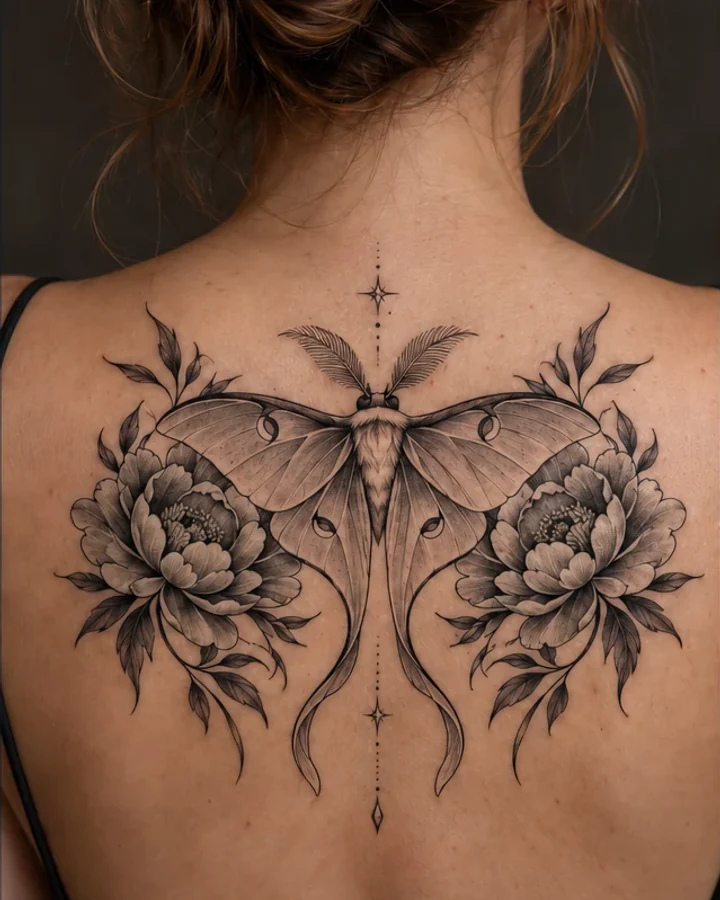
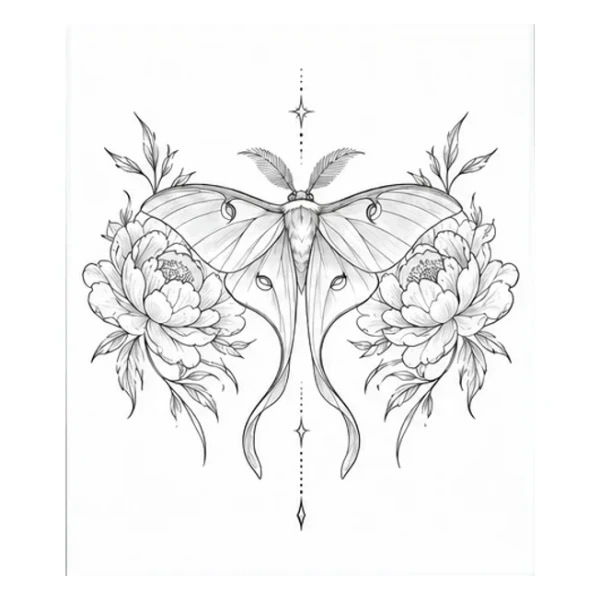
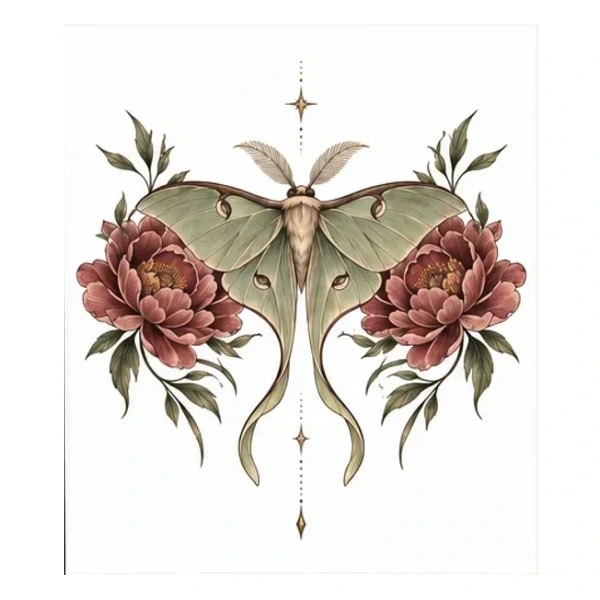
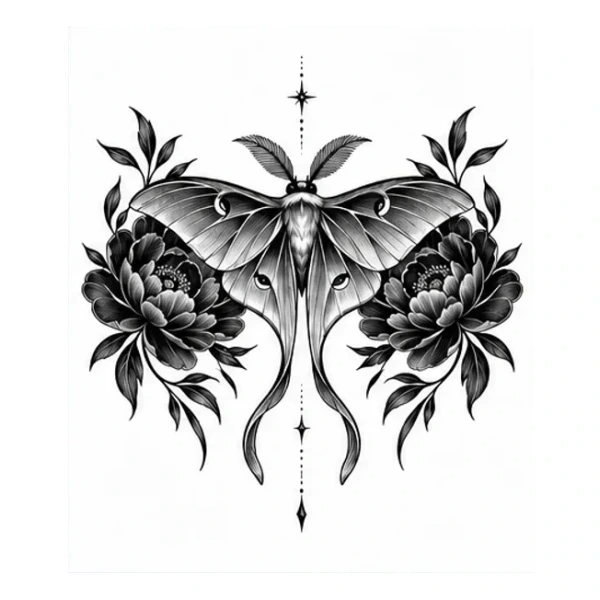
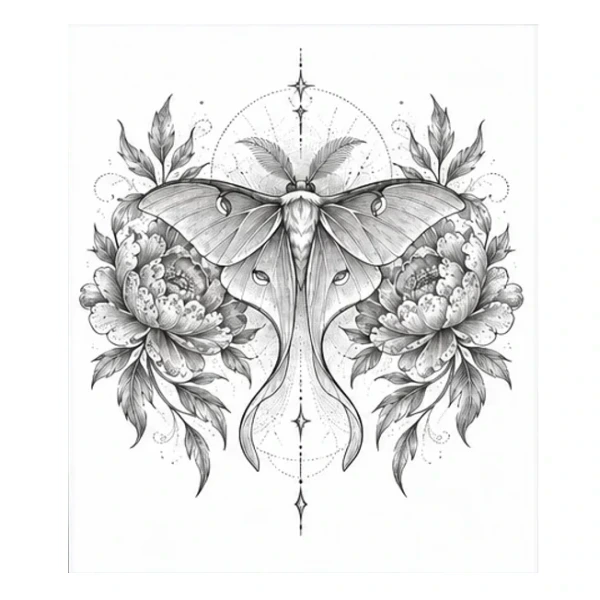
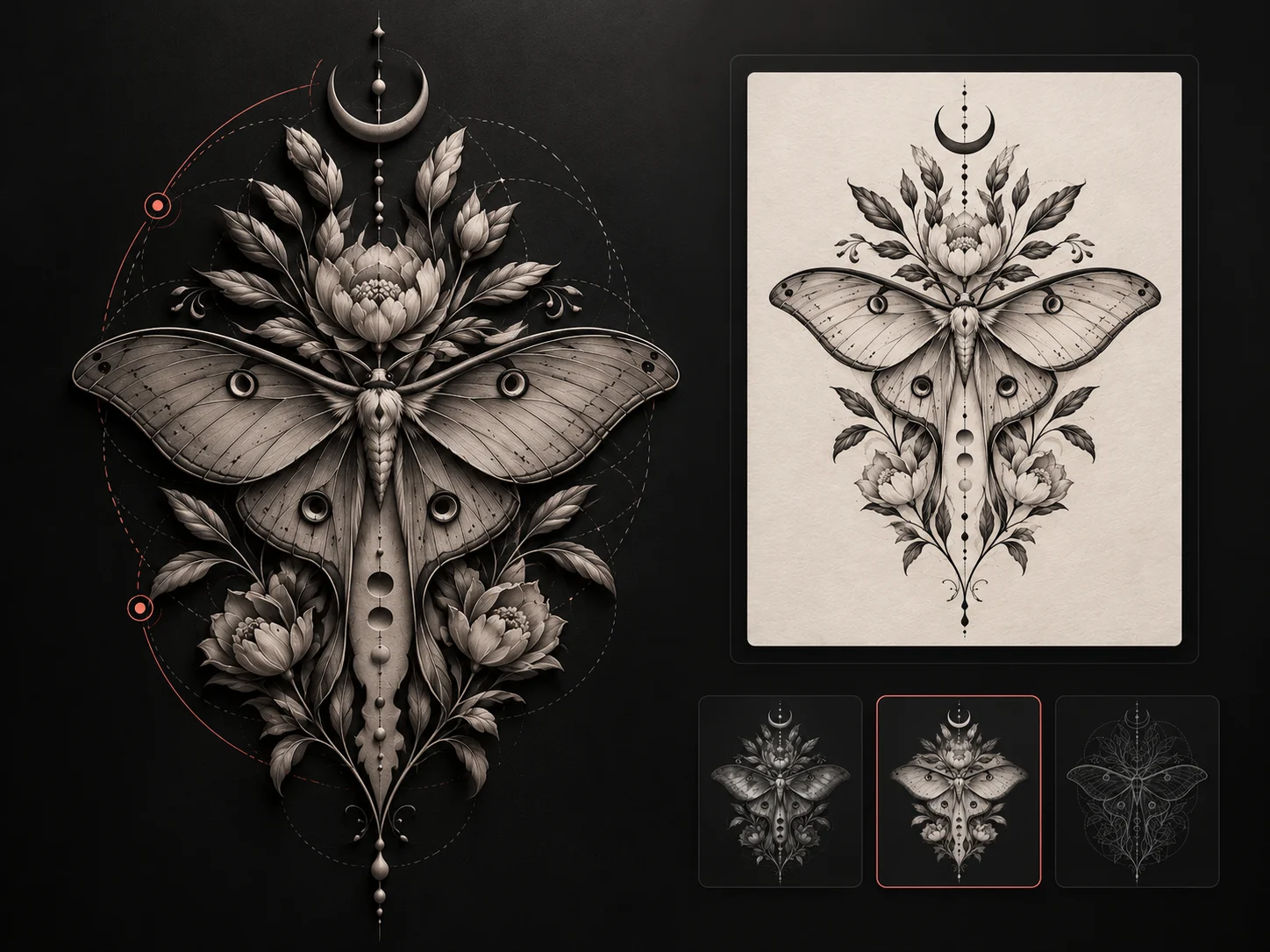
One symmetrical luna moth framed by two peony blooms, centered across the upper back.
Type: AI-generated on-body concept setPlacement: BackStyle: Multiple stylesSource: TattooPilot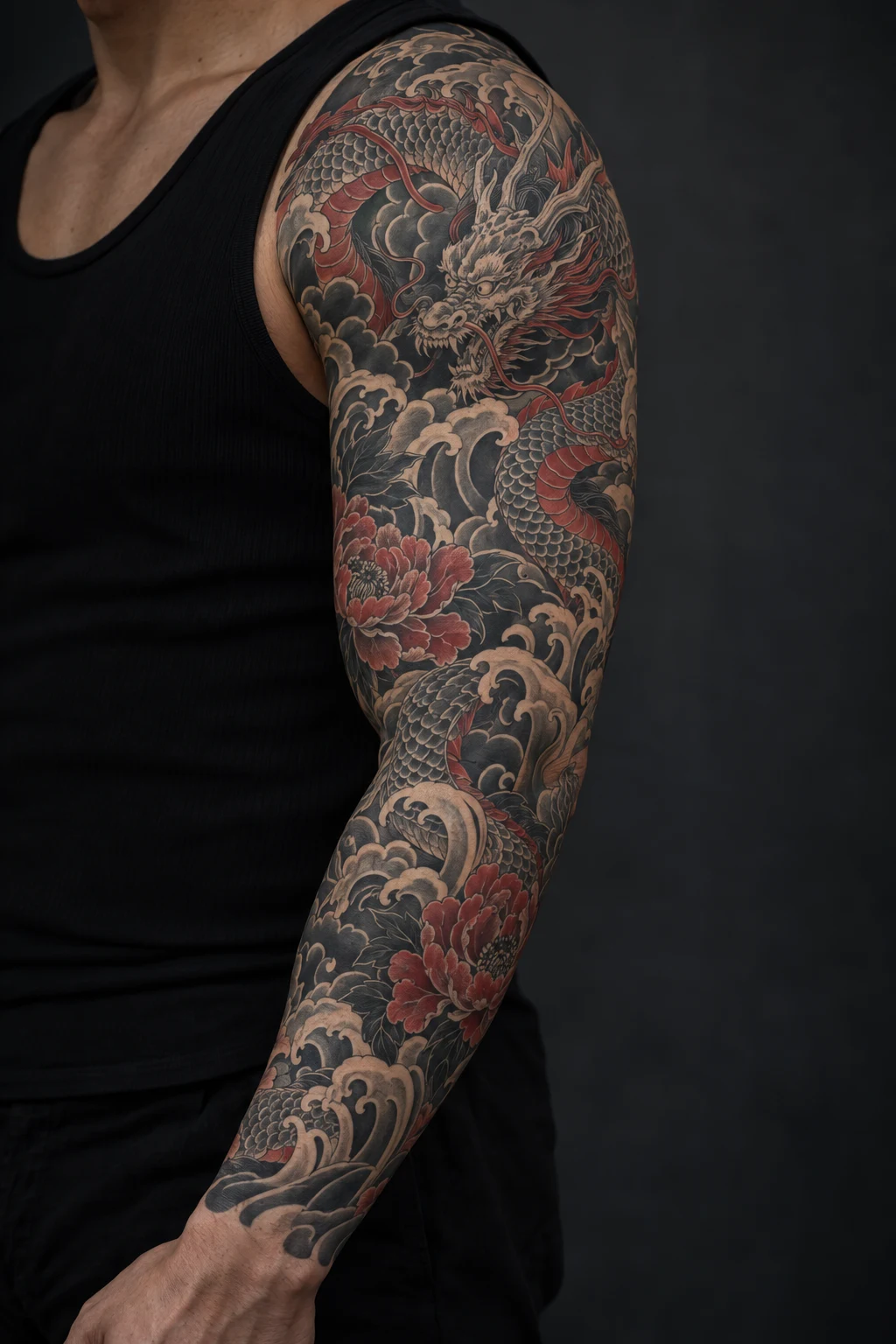
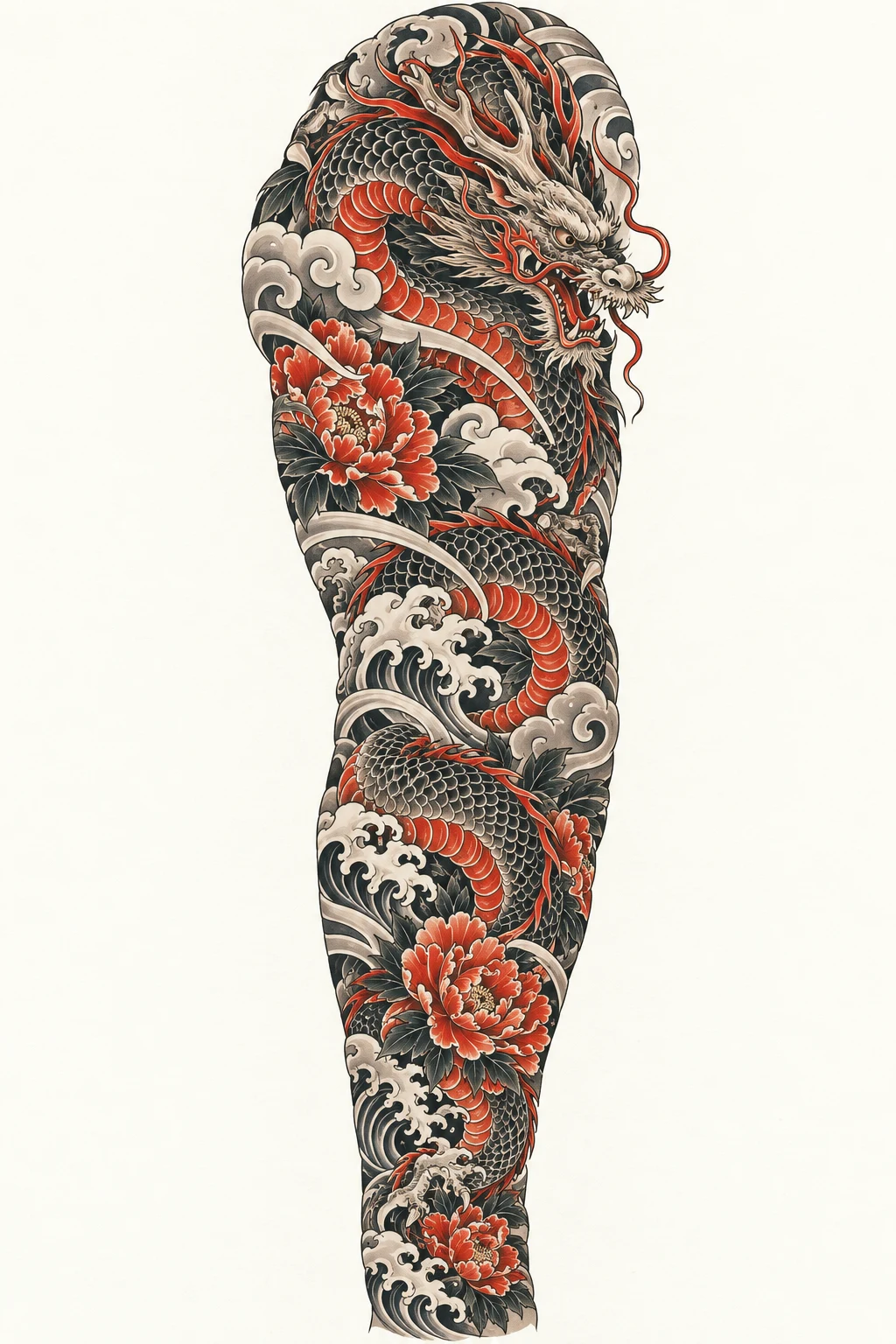
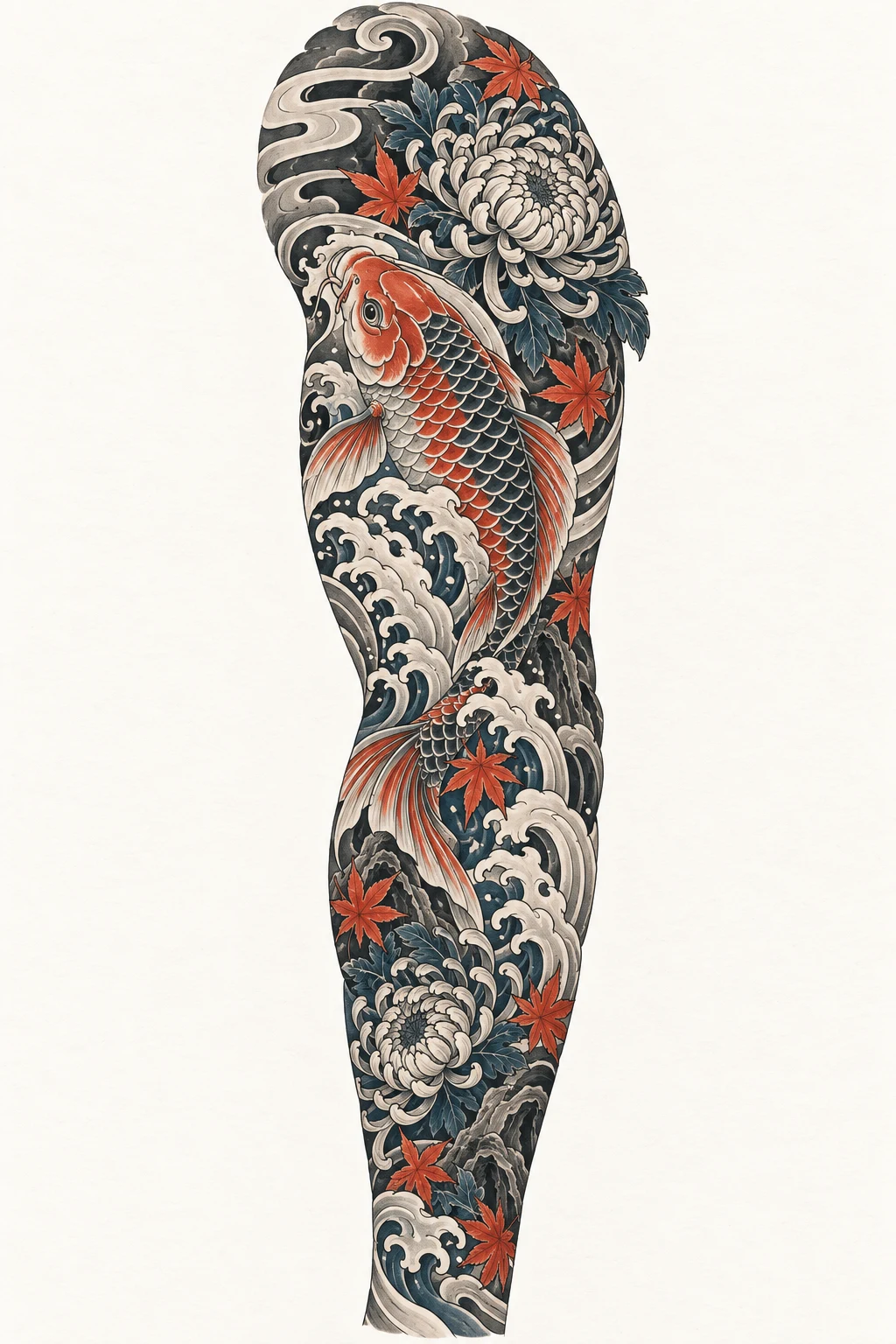
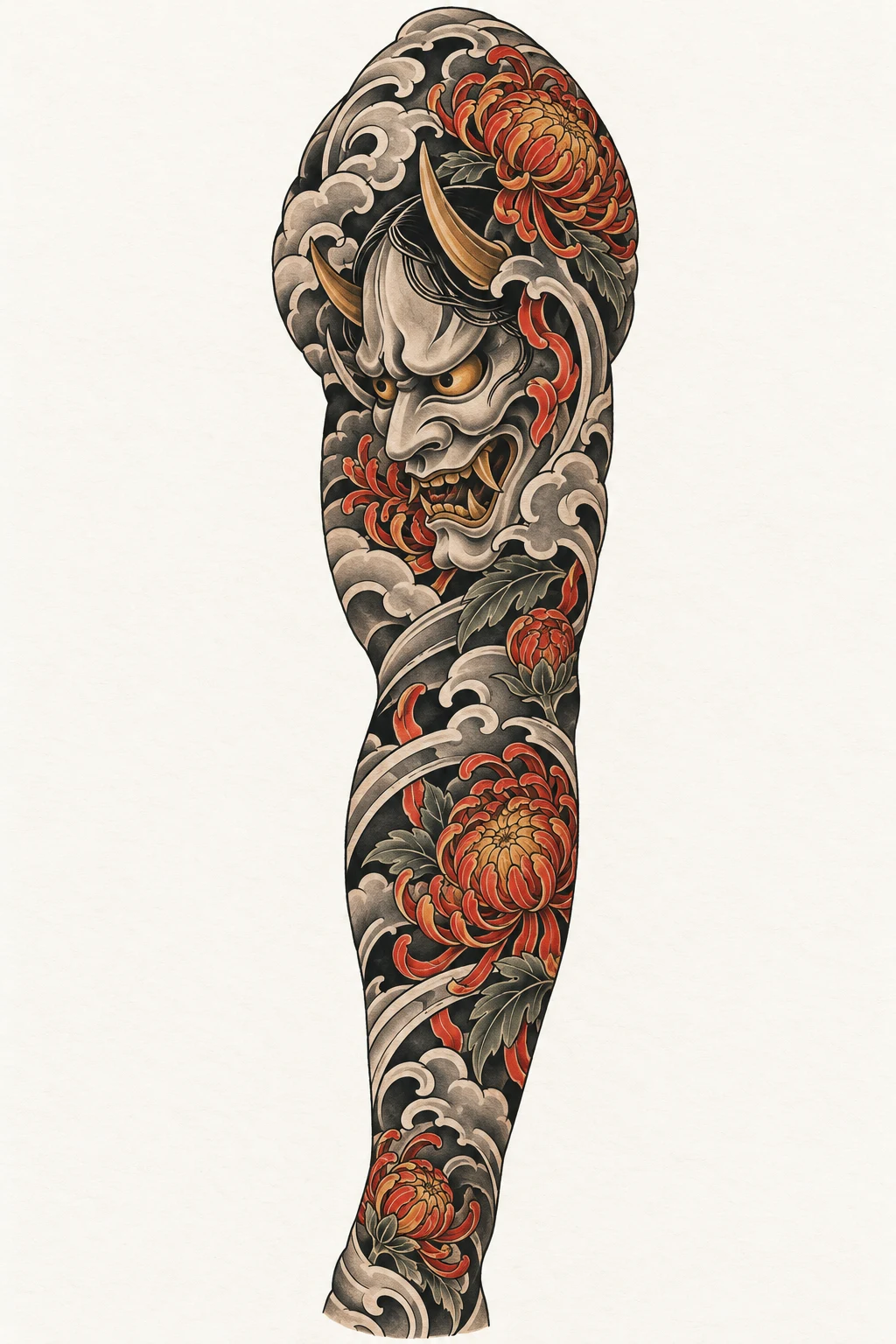
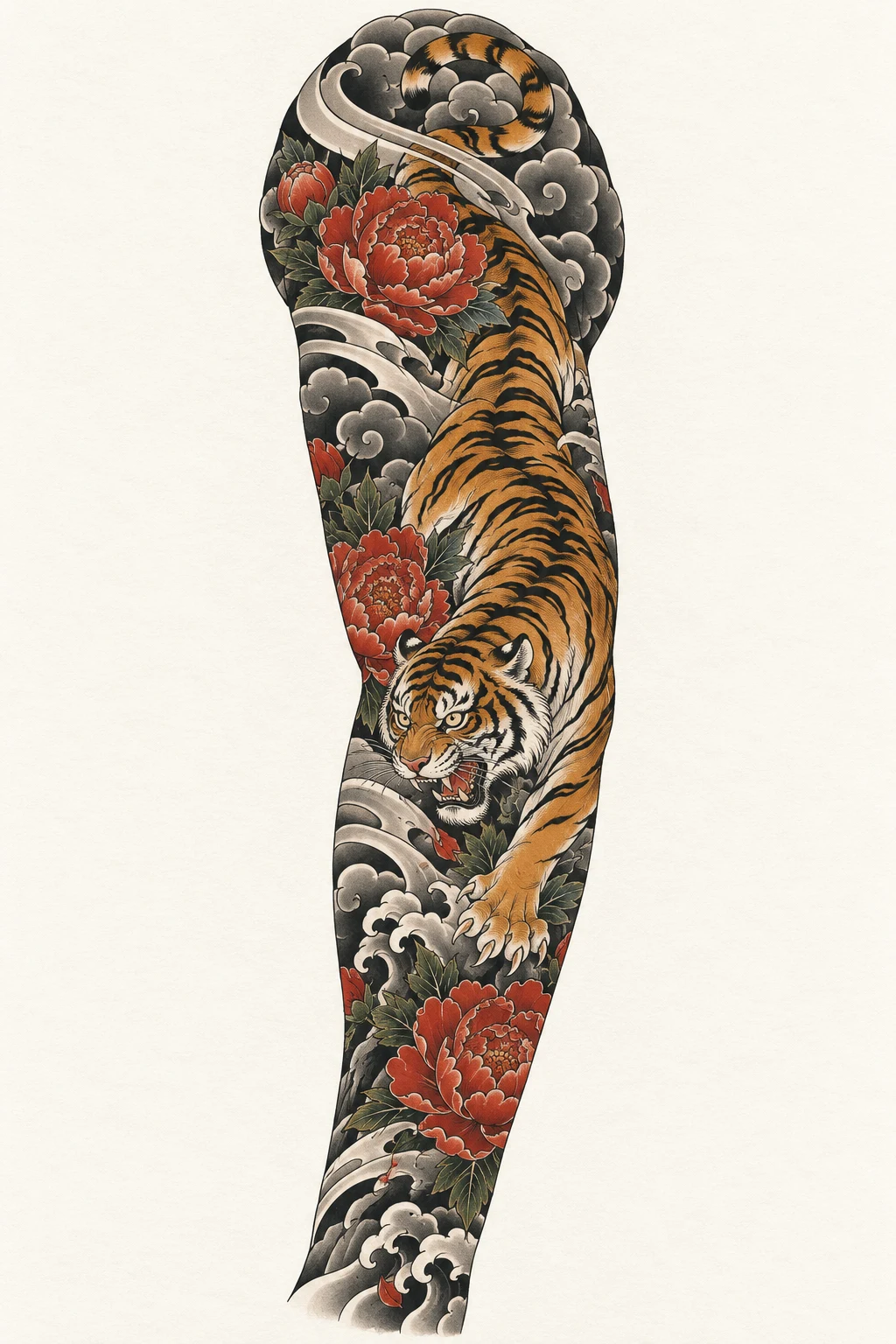
Traditional Japanese compositions shaped to flow from shoulder to wrist.
Type: AI-generated on-body concept setPlacement: Upper armStyle: JapaneseSource: TattooPilot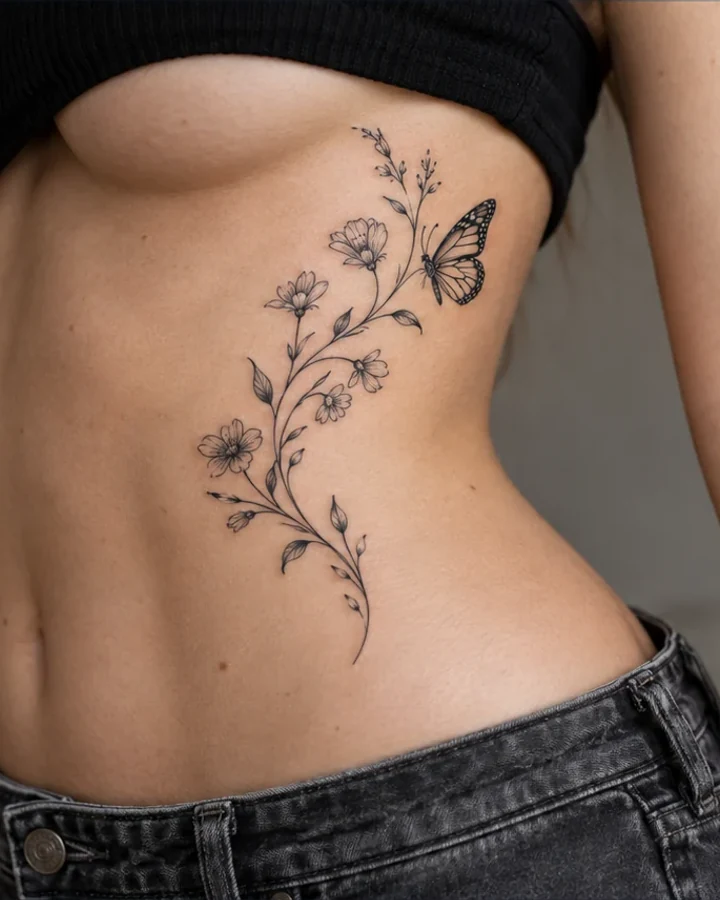
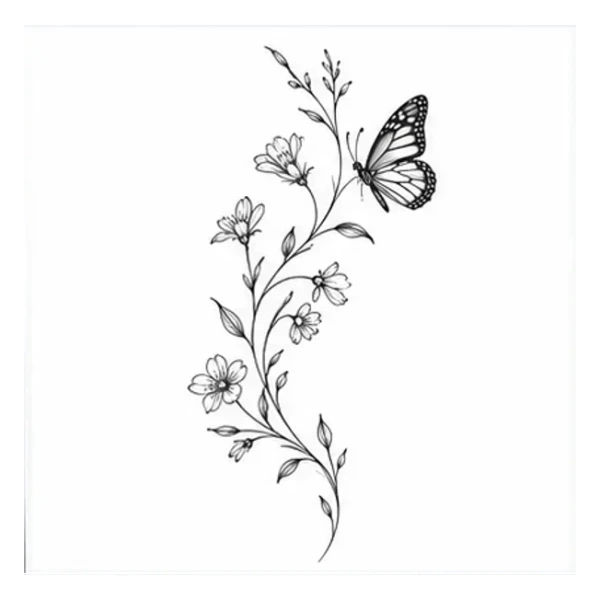
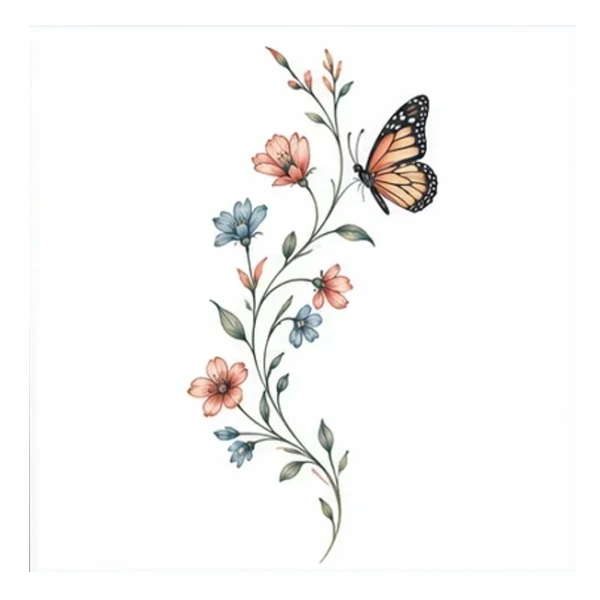
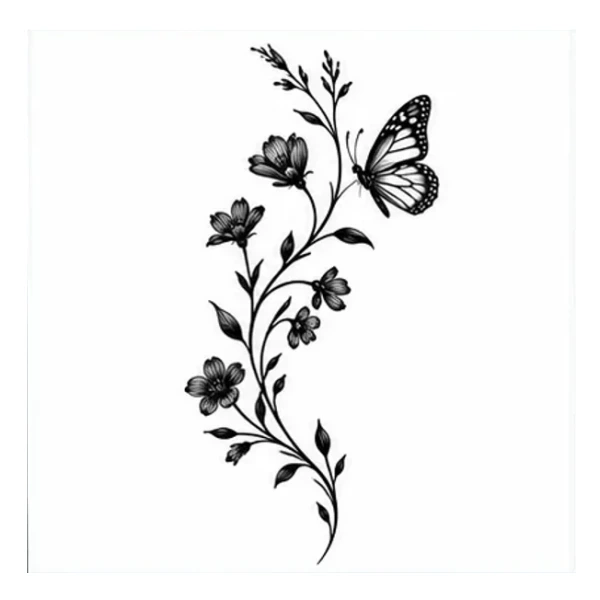
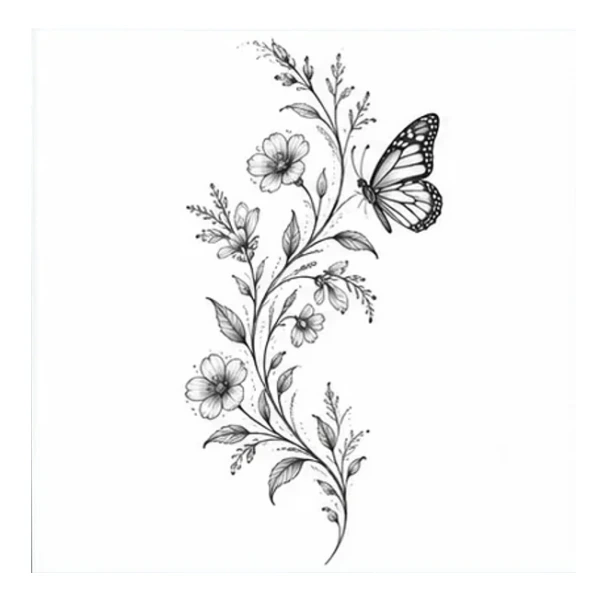
One flowing wildflower vine with a small monarch butterfly, following the curve of the side waist and lower ribs.
Type: AI-generated on-body concept setPlacement: Ribs / sideStyle: Multiple stylesSource: TattooPilotMost people are not short on inspiration. The difficult part is turning it into a clear direction, comparing the tradeoffs and knowing what still needs an artist’s judgment.
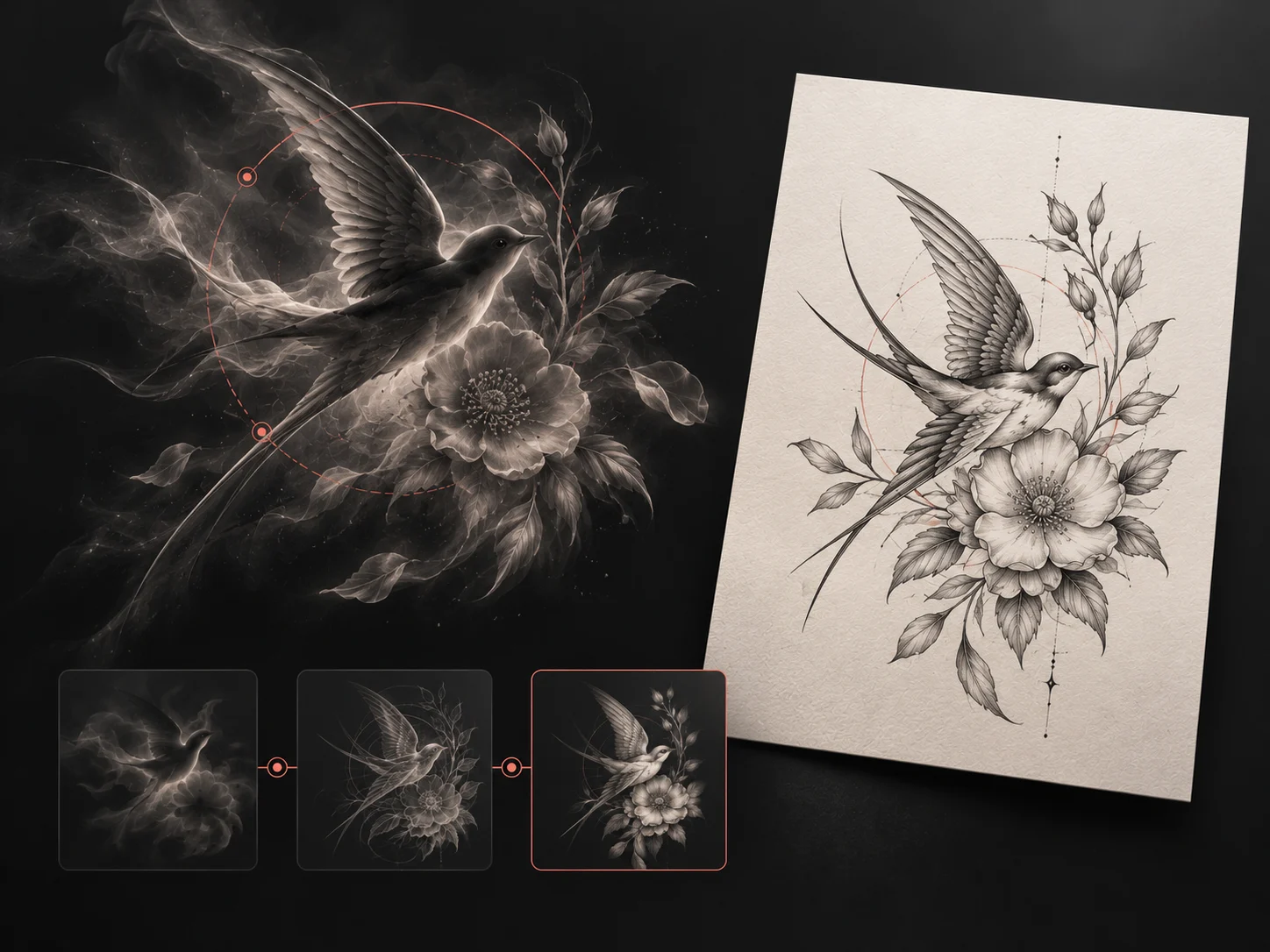 Type: Product workflow illustrationPlacement: Not placement-specificStyle: Multiple stylesSource: TattooPilot
Start with the memory, symbol or mood in everyday language. TattooPilot turns that brief into a visual direction you can inspect and rewrite.
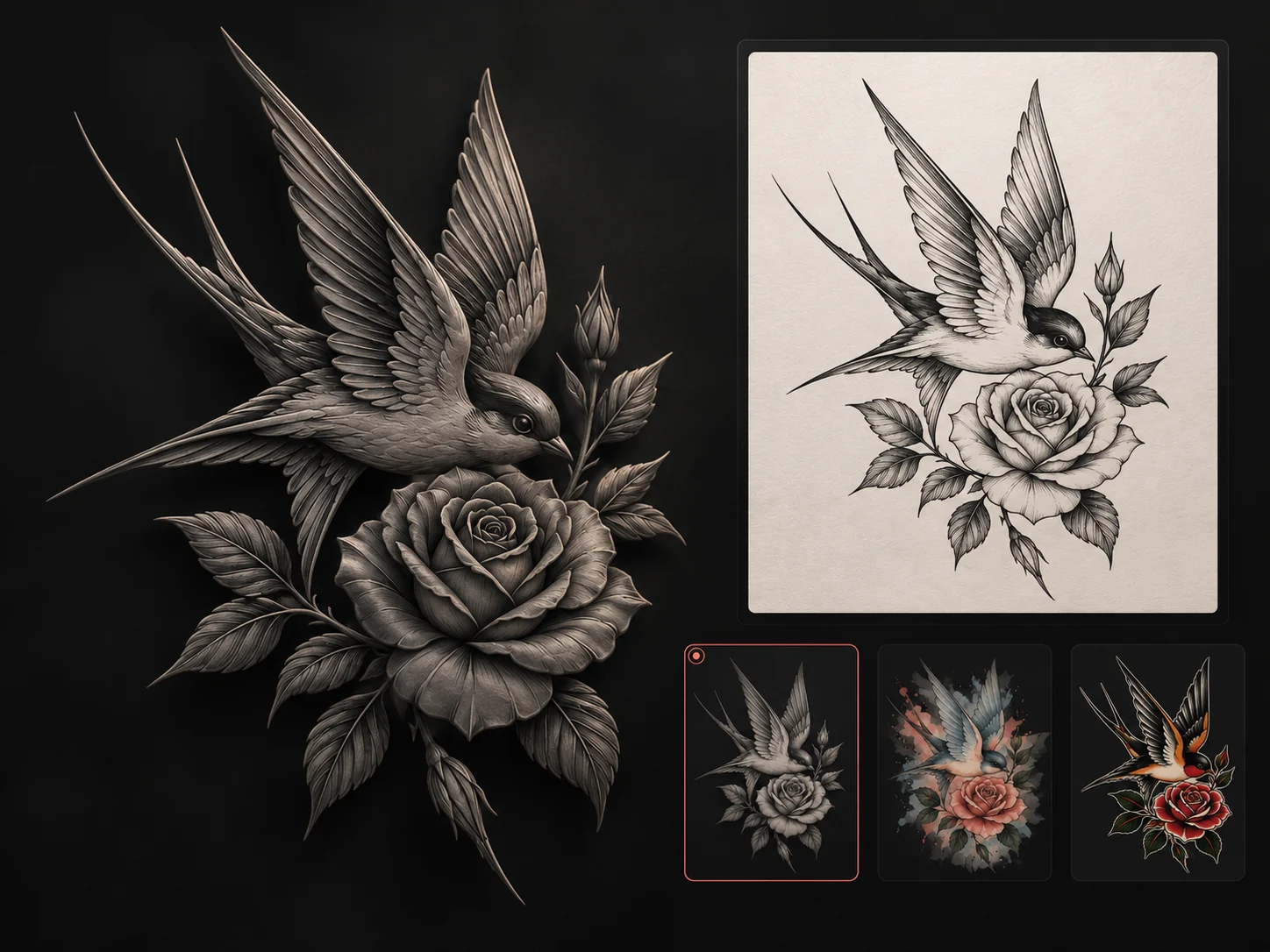 Type: Product workflow illustrationPlacement: Not placement-specificStyle: Multiple stylesSource: TattooPilot
Compare line, contrast, color and composition before choosing a direction. The goal is to name what you like, not guess from a style label.
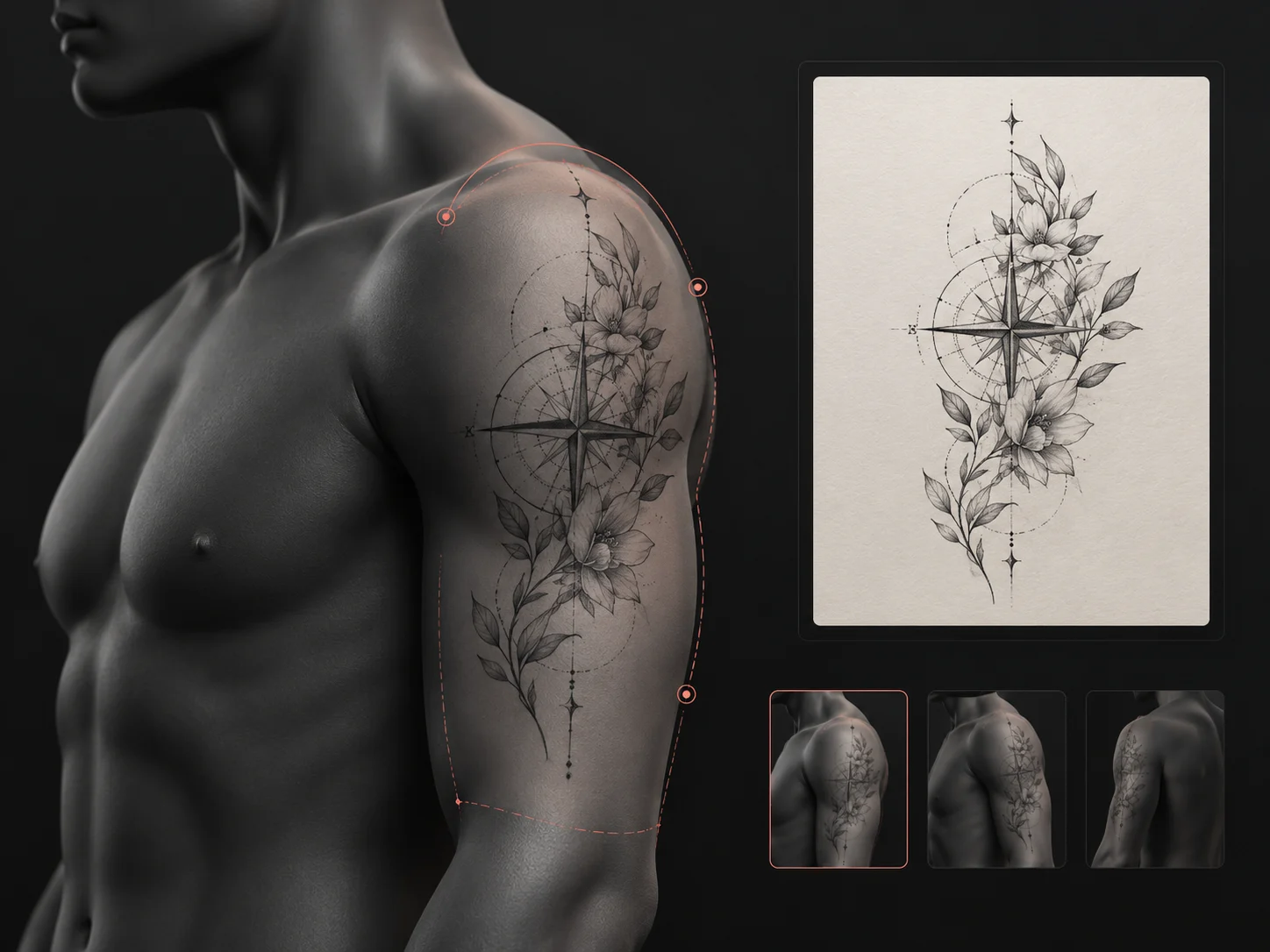 Type: Product workflow illustrationPlacement: Upper armStyle: Multiple stylesSource: TattooPilot
Use placement as composition guidance, then compare approximate scale and position on a digital model before discussing the real stencil.
 Type: Product workflow illustrationPlacement: Not placement-specificStyle: Multiple stylesSource: TattooPilot
Treat every result as a concept. A professional tattoo artist still needs to adapt the size, spacing, line weight and final drawing to your body.
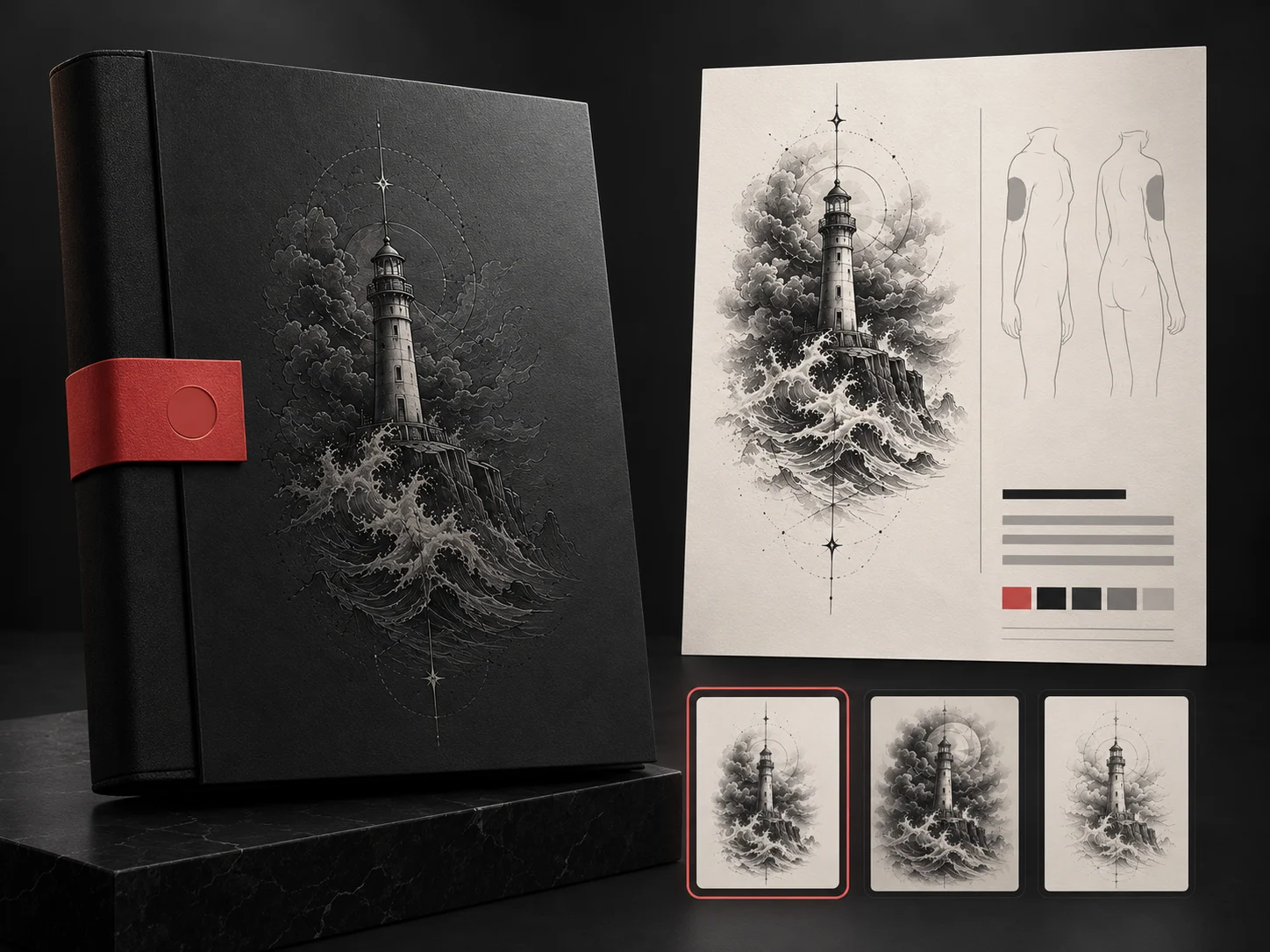 Type: Product workflow illustrationPlacement: Not placement-specificStyle: Multiple stylesSource: TattooPilot
Bring the strongest concept together with its written brief, intended placement and the decisions you still want help making.
Turn a rough idea into a visual direction you can compare and discuss with a professional tattoo artist.
Write the subject, meaning or mood in everyday language. A short brief is enough to begin.
Pick a style and body area, then create a visual concept you can inspect and refine.
Keep useful directions, download the strongest concept and bring it to your tattoo artist for adaptation.
Start creating your concept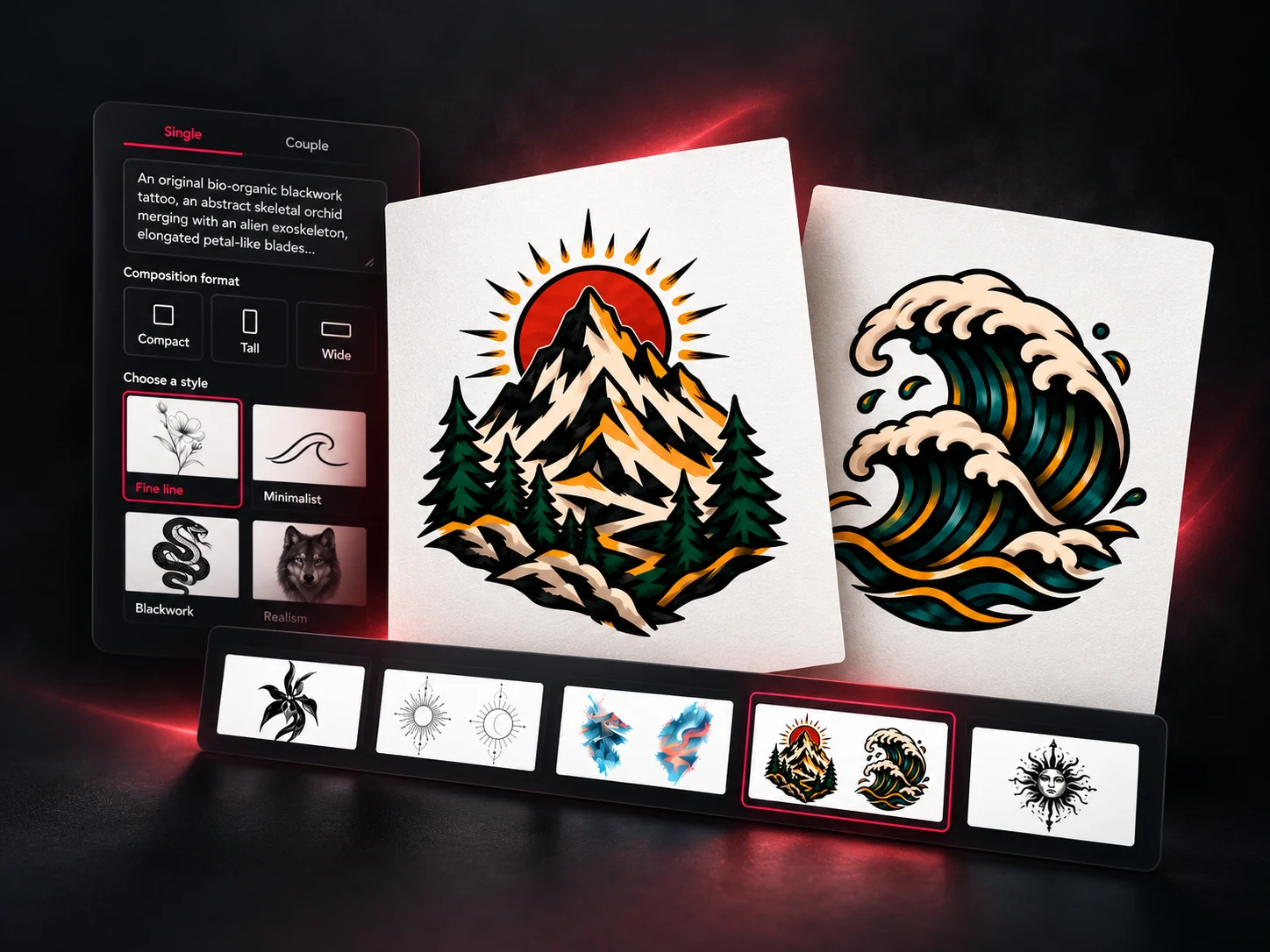 Type: Product workflow illustrationPlacement: Not placement-specificStyle: Multiple stylesSource: TattooPilot
Compare approximate position and scale across eight body areas on a digital model.
Illustrative feedback for this prototype. Replace these examples with permissioned, verifiable customer quotes before publishing.
“I had the meaning in my head, but I could not explain the picture. Comparing versions gave me something concrete to discuss without treating the AI result as a finished stencil.”
MayaMock persona · First tattoo planning
“We wanted two tattoos that belonged together without being identical. Starting from one shared brief made it easier to keep both designs connected and still personal.”
Riley & MorganMock persona · Couple concept
“Seeing the same motif in several styles helped me notice that I liked the open spacing more than any particular style name. That made the next prompt much clearer.”
JordanMock persona · Style exploration
Try one generation free with Google sign-in. Every generation uses 2 credits. No subscription; purchased credits never expire.
Find a direction for your first tattoo.
30 generations · 60 credits
Compare more possibilities before you commit.
70 generations · 140 credits
Keep creating across your next tattoo projects.
150 generations · 300 credits
No. It is a concept, not a tattoo-ready stencil. A professional tattoo artist should adapt the scale, line weight, detail and placement to your body before tattooing.
Model Preview helps you compare approximate scale and position on major body areas. It cannot predict exact fit, skin movement, healing or how a final tattoo will look on your body.
Credit packs are one-time purchases with no subscription. Every tattoo concept, stencil conversion, or two-view Model Preview uses 2 Credits, and downloads use none. Purchased Credits do not expire, and failed generation jobs are credited back automatically. See Credit packs and pricing.
Draft text and favorites stay in this browser. When you generate, your brief and settings are sent to the connected image provider. Signed-in generations and previews are linked to your account and can be opened on another device. Images become unavailable after 30 days; physical removal may take about one additional day. Download anything you want to keep.
Yes. Download the generated PNG and its text brief, then use both as a clear starting point for your conversation with a professional tattoo artist.